How Third-Party Verification Works in Telegram: Organization Badges, Profile Explanations & Scam Protection
Eliminate imposter accounts and establish unmistakable institutional authenticity. Discover Telegram's decentralized verification framework that enables companies, telecom operators, and government bodies to attach custom verification badges and transparent credential summaries to accounts, bots, and channels.
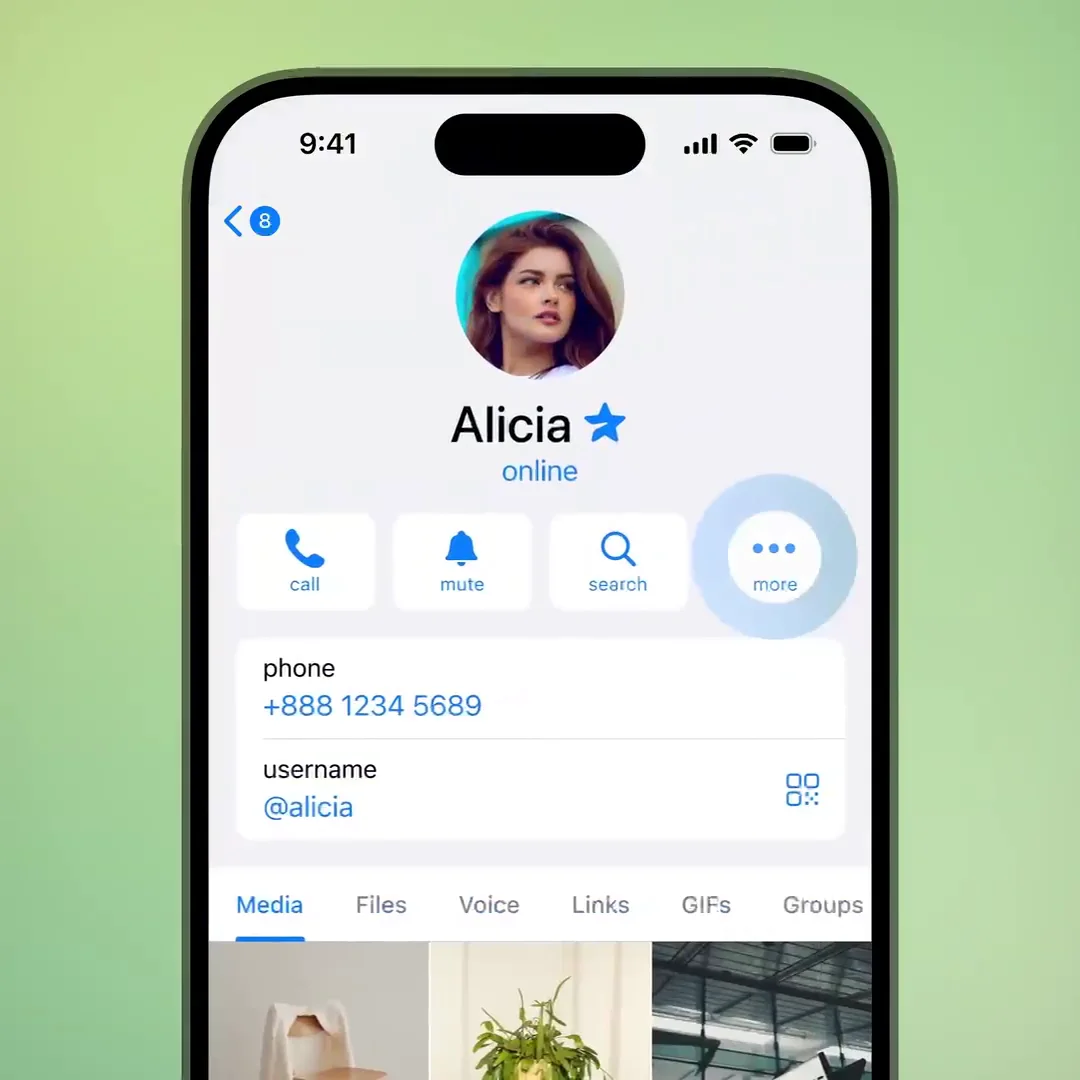
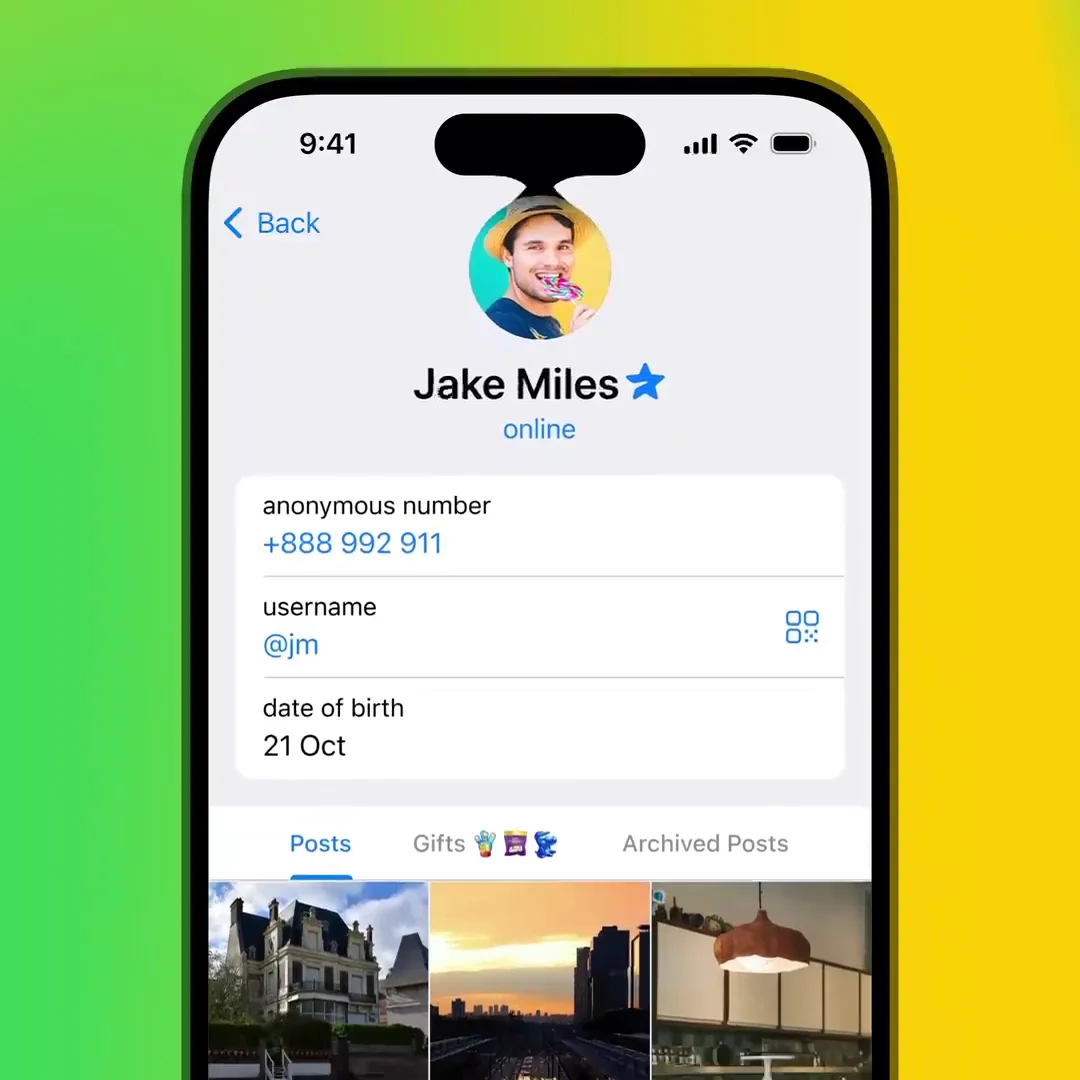
Verified entities display custom organizational emblems directly beside their names across all chats.
Tapping the badge reveals an official verification card explaining who verified the peer and why.
Prevents impersonation scams by cryptographically tying official representatives to parent enterprises.
play_circle Feature Demonstration Video
security_update_good Interactive Verification Badge Inspector
Inspect how profile headers and verification modals render across different identity tiers.
This official entity has undergone rigorous institutional identity authentication. Verified customer service hotline and branch routing code are active on this Telegram endpoint.
terminal MTProto Layer 174 Verification API Structure
Protocol mechanics of Telegram's enterprise verification attestation framework.
Until recently, verification across global social media relied entirely on a centralized blue checkmark issued subjectively by platform administrators. Telegram recognized that in a world of complex enterprise federations, banks, universities, and telecom operators need to authenticate their own subsidiaries:
- Decentralized Trust Anchors: Recognized organizations can connect to Telegram's Verification Platform and independently issue custom verification badges to their affiliated team members, affiliate channels, and customer care bots.
- Non-Forgeable Vector Glyphs: Verification icons are registered as cryptographic vector documents directly on Telegram's core CDN, rendering them impossible to imitate with simple emoji unicode tricks in username strings.
- Contextual Modal Transparency: When any user taps on a custom logo, Telegram displays an unforgeable system bottom sheet with full institutional metadata, registration timestamps, and external audit links.
checklist How to Verify Accounts and Recognize Official Badges
Protect yourself from scam channels with three quick checks.
Official third-party verified entities show an organizational emblem directly before or after their name in search results, chat headers, and member lists.
Open the peer's profile and tap the badge. A native verification dialog will pop up detailing the exact certifying organization, date of validation, and purpose.
The verification modal contains links verified directly by the certifying authority, ensuring you never land on fraudulent phishing websites.
table_chart Verification Tiers Comparison
| Verification Tier | Visual Indicator | Certifying Authority | Primary Use Case |
|---|---|---|---|
| Telegram Official Check | Blue Circle with White Checkmark | Telegram Core Moderation Team | Public figures, global brands, major news outlets. |
| Third-Party Organization | Custom Enterprise / Institutional Logo | Registered Organization API Partner | Banks, government agencies, telecom carriers, universities. |
| Telegram Premium Star | Cyan Star or Custom Emoji Status | User Subscription Status | Personal aesthetic flair and subscriber status. |