How Faster Download Speed Works in Telegram Premium: Zero Bandwidth Throttling & Priority Network Routing
Download gigabyte-sized video archives, software packages, and photo libraries at the absolute maximum speed your internet connection can handle. Discover how Telegram Premium removes artificial speed limits and grants access to priority data channels.
rocket_launch
Official demonstration: Comparing side-by-side download speeds between Free and Premium accounts on identical high-speed network connections.
Zero Server Throttling
Telegram Premium removes all server-side transfer caps, saturating gigabit fiber connections and multi-gigabit WiFi.
Priority CDN Routing
Subscribers are routed through premium high-capacity edge nodes with dedicated multi-datacenter peering lanes.
Parallel TCP Streams
Downloads leverage multiple parallel chunk connections simultaneously to maximize throughput efficiency.
network_ping
INFRASTRUCTURE METRICS
Bandwidth Allocation: Free vs. Telegram Premium
With nearly 1 billion active users, Telegram balances massive global network resources fairly:
network_wifi
Standard Tier Fair-Use Sharing: Free accounts share public CDN bandwidth pools to ensure 100% free unlimited cloud hosting for the entire world.
electric_meter
Premium Priority Channels: Premium requests bypass standard queue delays, fetching 512 KB chunks with zero delay between sequential blocks.
devices
Cross-Platform Parity: Uncapped download speeds apply equally across iOS, Android, Telegram Desktop, and macOS native clients.
science
INTERACTIVE SPEED TEST BENCHMARK
Download Throughput Benchmark Simulator
Run a simulated 1.0 GB file download benchmark to visualize the speed and transfer latency comparison between standard and uncapped tiers.
Standard Free Account (~8 MB/s capped):
Waiting...
⭐️ Telegram Premium (Uncapped ~85 MB/s):
Waiting...
auto_awesome
EXECUTIVE VISUAL SUMMARY
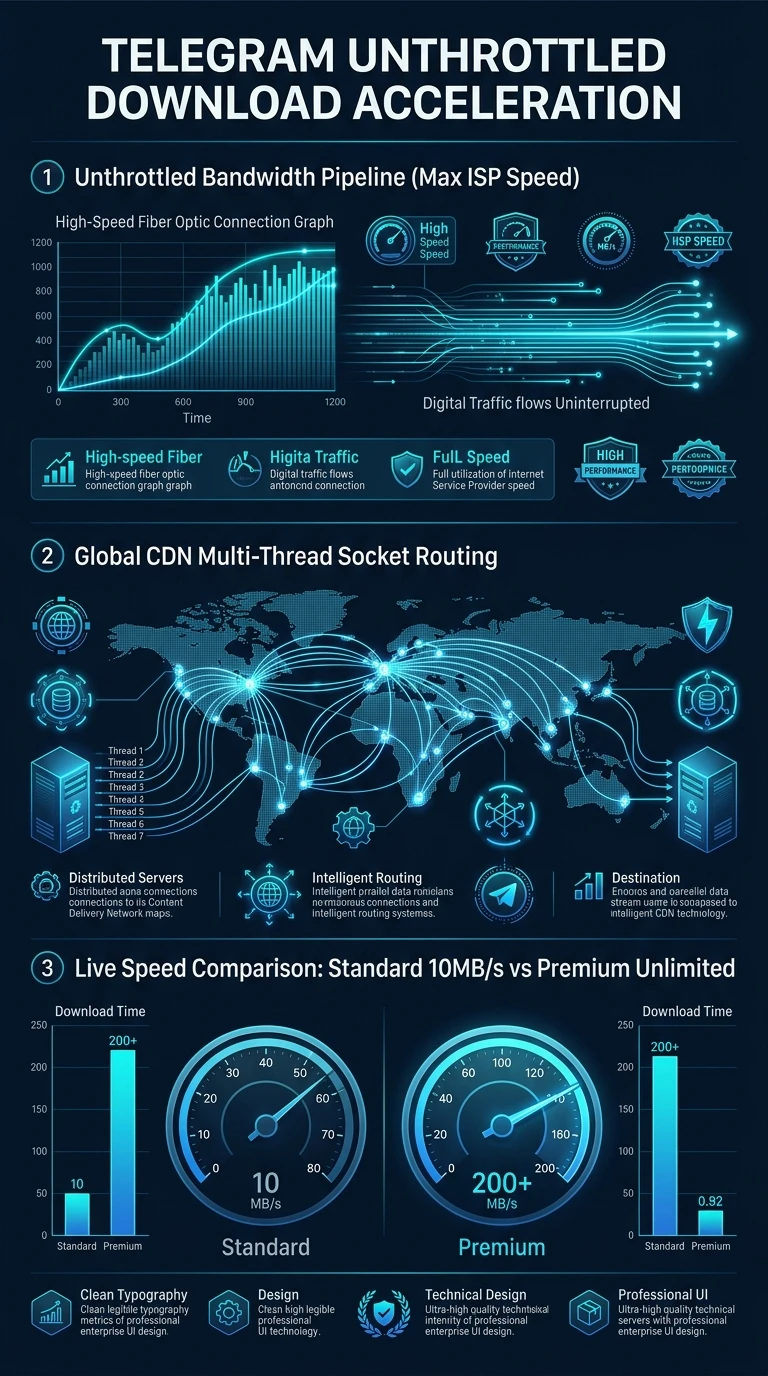
Uncapped Download Speeds & Priority CDN Architecture
A vertical 9:16 reference architecture illustrating the Telegram Premium zero-throttling protocol, dedicated edge CDN cache nodes, parallel chunk streams, and global peering networks.
auto_stories
More in "tips" Learning Track