How to Use Telegram Premium Stickers: Full-Screen Reactive Animations, Lottie Effects & Exclusive Pack Discovery
Elevate your chat emotions with next-level visual spectacles. Explore Telegram Premium Stickers, featuring full-screen particle explosions, custom sound sync, and smooth 60 FPS vector animation visible to all chat participants.
auto_awesome
Official demonstration: Sending a Telegram Premium sticker in a 1-on-1 chat, triggering an interactive full-screen animation with rich particle cascades.
Full-Screen Visual Burst
Unlike standard stickers confined to chat bubbles, Premium stickers project animated particles across the entire viewport.
Visible to All Users
When a Premium subscriber sends a sticker, both Free and Premium users in the chat experience the full-screen visual effect.
Tap to Replay Effects
Anyone in the chat can tap the sticker at any time to re-trigger the burst animation and synchronized haptic pulses.
animation
RENDER ENGINE
Lottie TGS Particle Acceleration
Premium stickers are powered by Telegram's open-source vector animation engine:
data_object
Sub-50 KB Vector Payloads: Even complex full-screen animations are encoded in gzip-compressed Lottie JSON (.tgs) under 50 Kilobytes.
speed
GPU Hardware Blending: Particle bursts are rendered using native Metal (iOS/macOS) and OpenGL/Vulkan (Android) shaders for butter-smooth 60 FPS performance.
update
Monthly Artist Collections: Telegram releases dozens of exclusive new sticker packs every month crafted by top international vector illustrators.
science
INTERACTIVE STICKER BURST STAGE
Full-Screen Particle Burst Playground
Tap the sticker below to simulate Telegram's full-screen reactive particle explosion effect.
auto_awesome
EXECUTIVE VISUAL SUMMARY
Telegram Premium Stickers & Reactive Particle Architecture
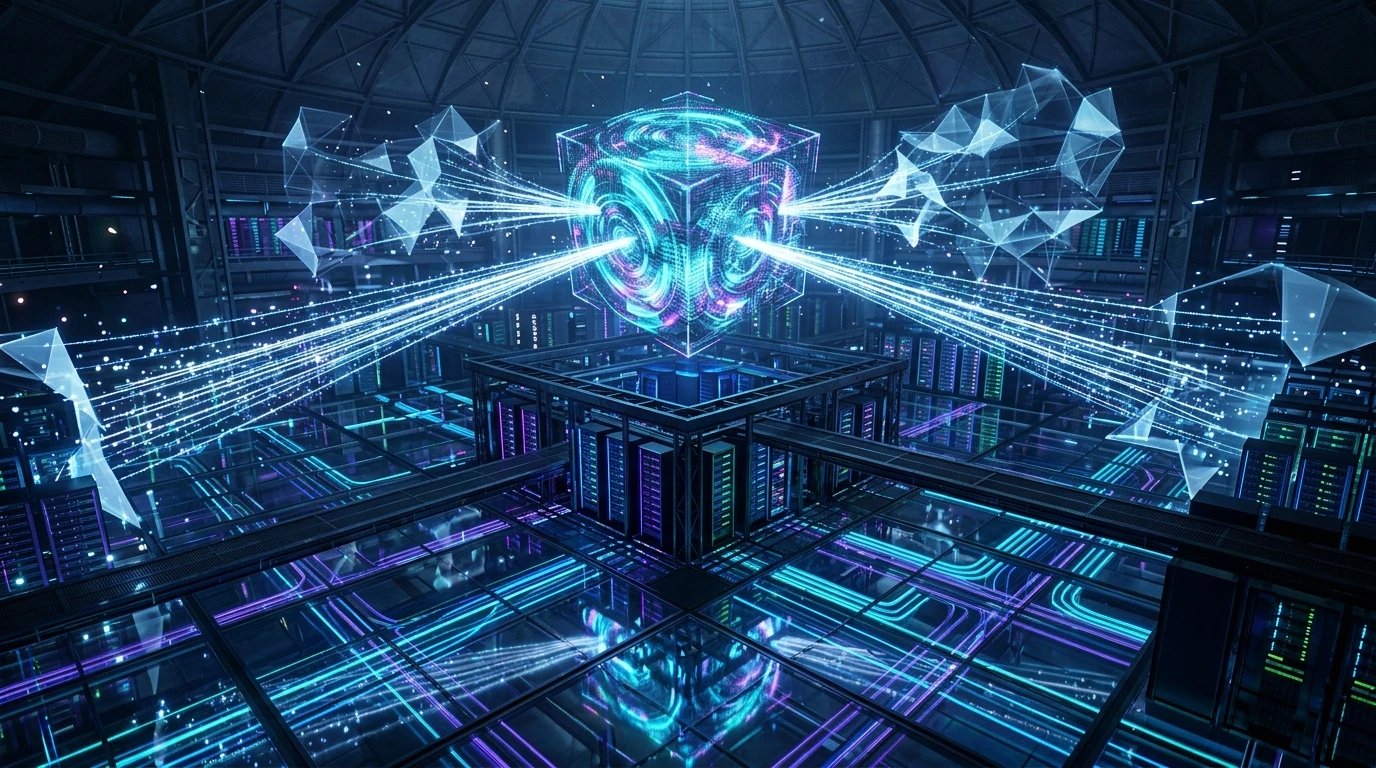
A vertical 9:16 reference architecture illustrating the Lottie .tgs vector animation pipeline, GPU shader particle acceleration, dual-user playback sync, and monthly pack distribution.

auto_stories
More in "tips" Learning Track