How to Use the Telegram Mini App Bar: Multitasking Dock, Swipe-Down Collapse & Background State Preservation
Never lose your in-game progress or form data again. Discover the Telegram Mini App Bar—learn how swiping down on any Mini App header collapses it into a persistent bottom dock, how to juggle multiple Web3 games and productivity tools simultaneously, and how background state preservation keeps web apps alive while you chat.
dock
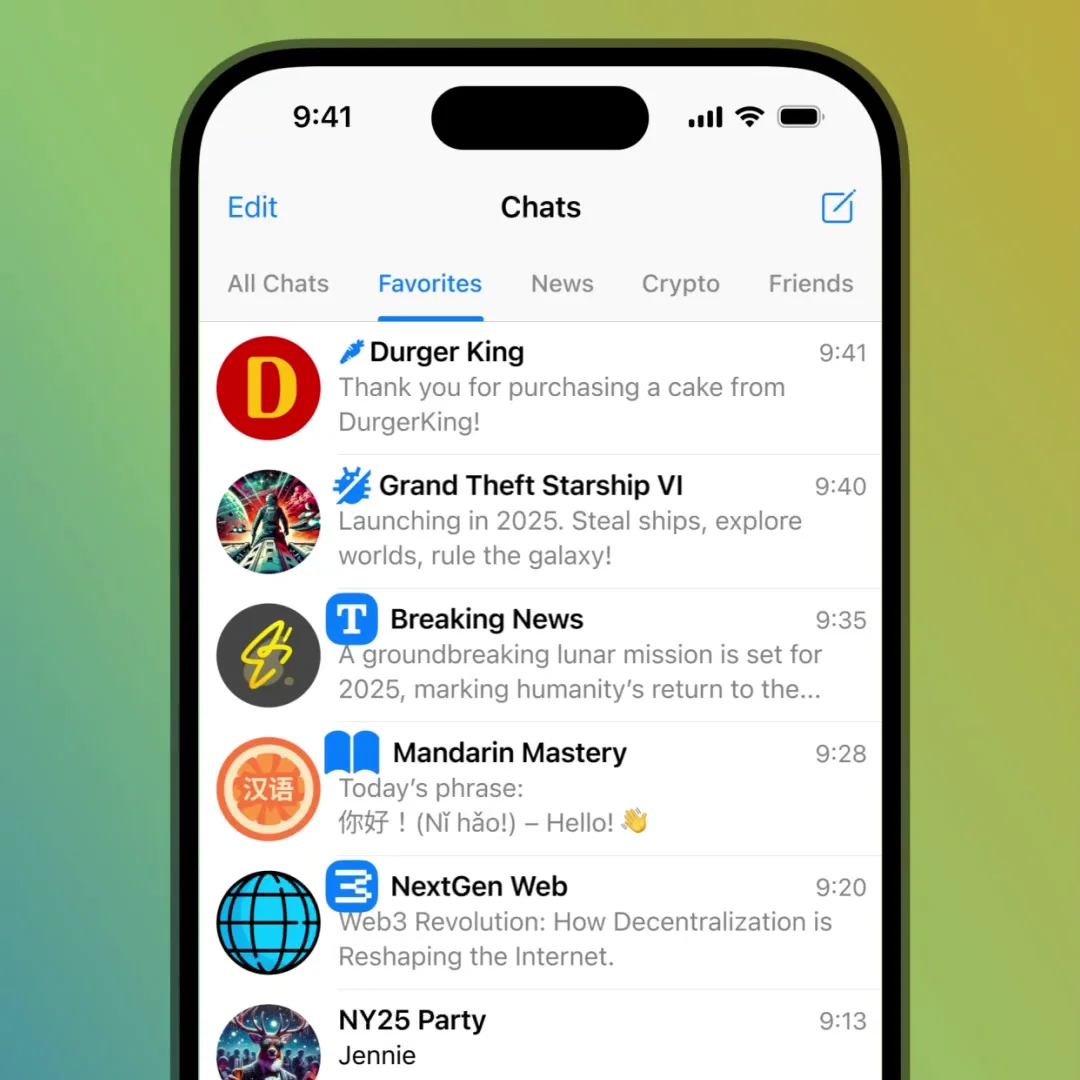
Official demonstration: Swiping down on an active mini app header to collapse it into the bottom app bar, replying to urgent messages in the chat list, and reopening the mini app with zero loading spinners or state loss.
Frictionless Swipe Collapse
A natural downward swipe on the mini app's top bar minimizes the entire application into a sleek floating dock at the bottom of the screen.
In-Memory State Lock
WebAssembly memory, game loops, and form inputs remain active in the background, eliminating irritating restarts and lost checkout forms.
Multi-App Switching
Collapse several mini apps simultaneously. Tapping the dock reveals an interactive tab switcher to toggle between tools and games instantly.
Chat While You Play
Read and reply to incoming DMs, group mentions, or channel broadcasts without terminating your active bot tasks.
EXECUTIVE VISUAL ARCHITECTURE
MINI APP MULTITASKING STACK
Telegram Mini App Background Lifecycle
How Telegram manages memory, lifecycle events, and WebView suspension to deliver desktop-class multitasking on mobile devices.
swipe_down
1. Swipe Gesture Gating
Header downward drag transitions the WebView container into a suspended floating dock state rather than invoking teardown.
pause_circle
2. Resource Throttling
Non-critical timer intervals and render loops pause to protect phone battery while preserving DOM and session storage.
restore
3. Zero-Delay Restoration
Tapping the dock instantly un-pauses the WebView, restoring the exact viewport state with zero reload latency.
checklist
HOW-TO GUIDE
How to Multitask with the Mini App Bar
Master the gesture controls to manage multiple mini apps without dropping conversations.
1
Swipe Down on the Top App Header
When using any Telegram Mini App, grab the grey handle bar or top header bar and drag downward. The app smoothly shrinks into the bottom dock.
2
Navigate Chats Freely
The floating app bar stays anchored above your navigation tabs. You can browse channels, send audio notes, or reply to chats.
3
Tap to Resume or Switch
Tap the app bar to restore your app to full height. If multiple apps are collapsed, a picker appears allowing you to switch between them seamlessly.
help_center
FREQUENTLY ASKED QUESTIONS
Mini App Bar FAQ
Answers regarding app limits, memory crashes, and Desktop availability.
How many mini apps can I keep collapsed in the app bar simultaneously?
You can keep several mini apps active in the bar simultaneously. The client intelligently manages RAM, keeping recent apps warm in memory while purging dormant background instances if device system RAM runs low.
Is the Mini App Bar available on Telegram Desktop?
On Telegram Desktop and macOS, mini apps can be opened in independent floating windows or docked sidebars, allowing native multi-monitor window management.
auto_stories
More in "tips" Learning Track