LIVE PORTAL Telegram v11.8 API Synchronized Free Animated Stickers
shield_person ADMIN LOGGED IN + Write Guide
admin_panel_settings ADMIN CONTROLS Guide #10940 • tips
How to Search Stories by Location in Telegram: Interactive Geo-Tags, Local Event Feeds & Privacy Filtering
play_circle Official Video Tip #460
Telegram Stories & Geospatial Discovery

How to Search Stories by Location in Telegram: Interactive Geo-Tags, Local Event Feeds & Privacy Filtering

Explore the world through real-time local perspectives. Discover how Telegram's location tags transform stories into interactive geospatial discovery hubs—allowing you to browse concert clips, festival moments, and neighborhood recommendations while upholding ironclad access control privacy.

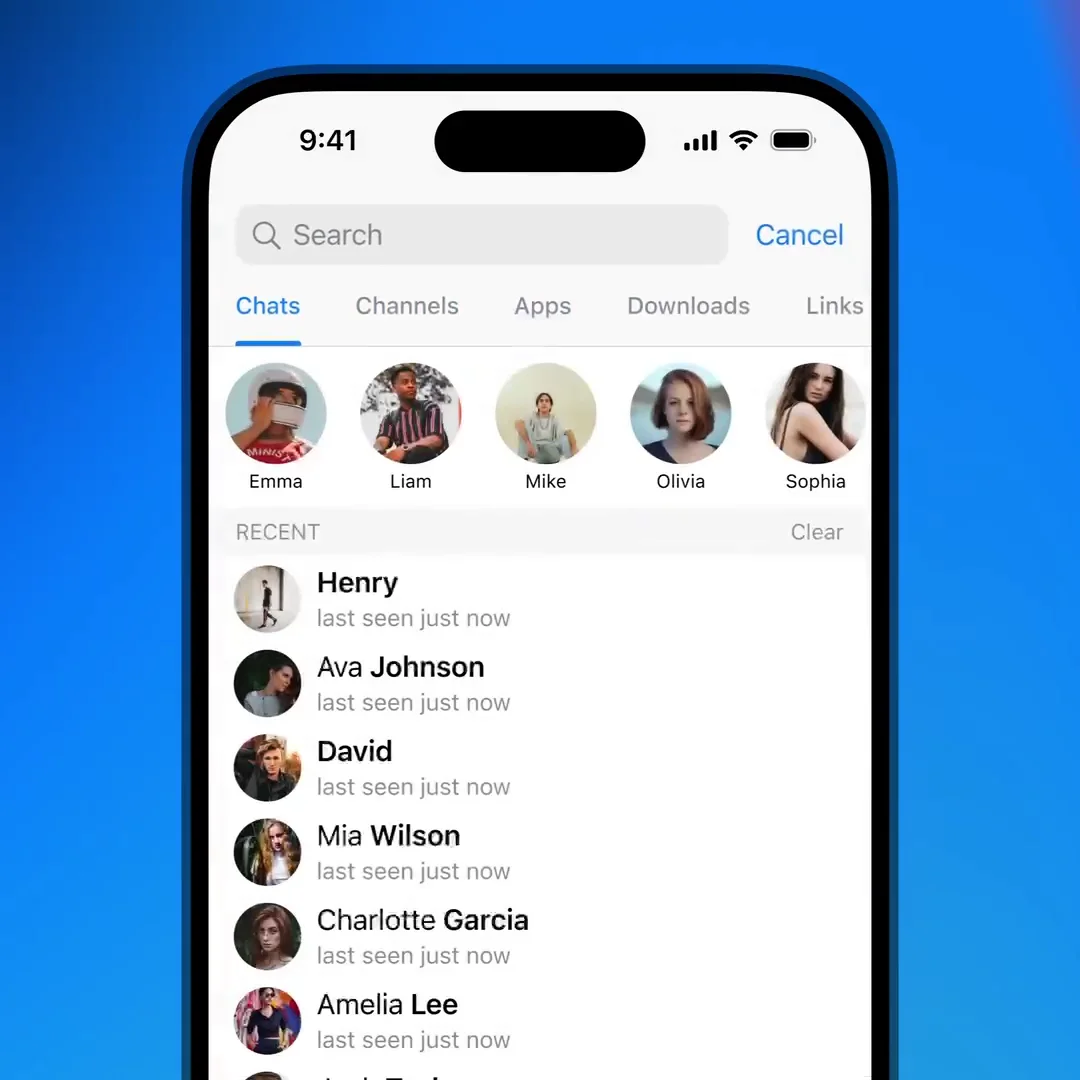
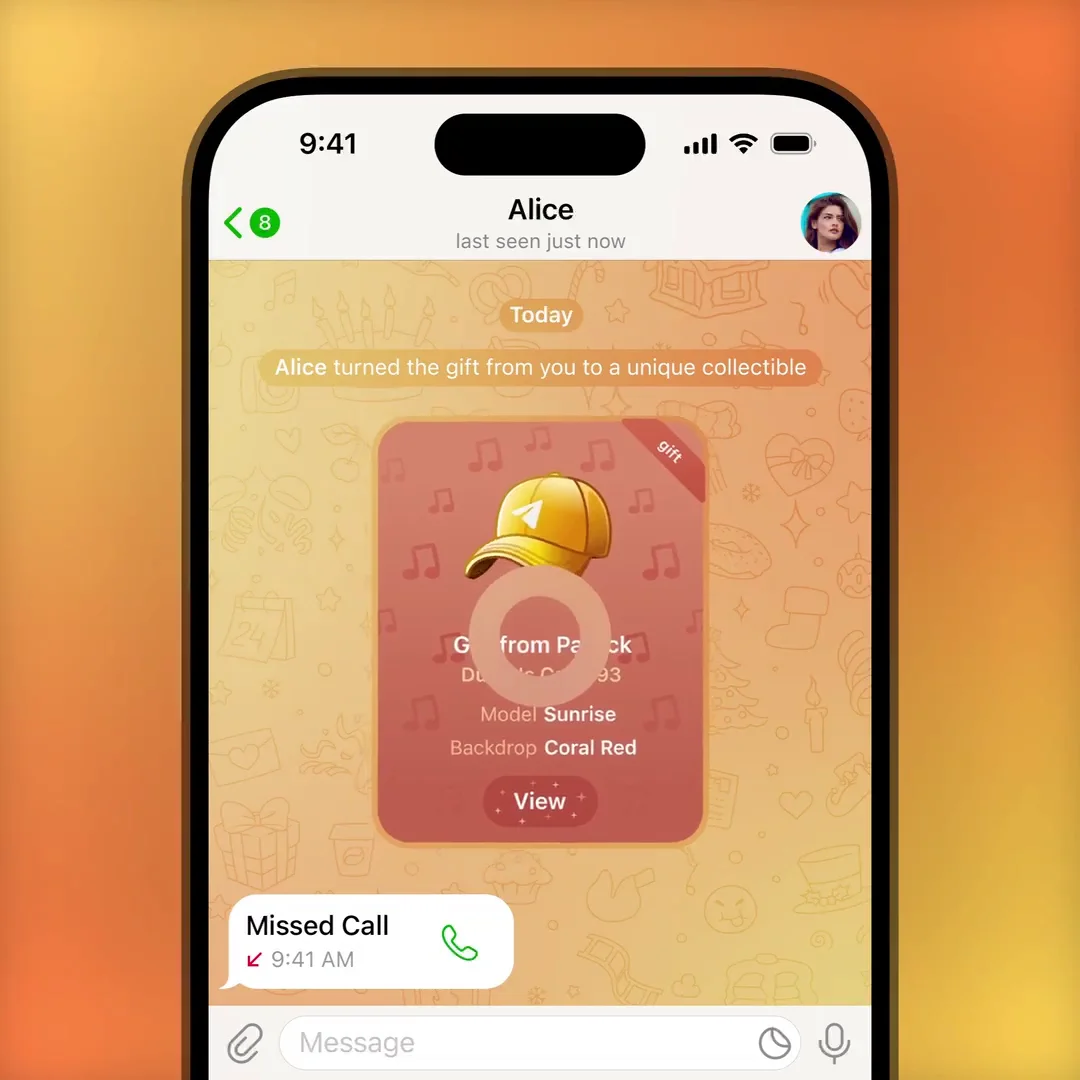
location_on Official demonstration: Tapping an interactive location sticker in a story to open the local venue feed, viewing real-time public stories from attendees at the same concert, landmark, or cafe.
map
Interactive Geo-Stickers
Attach stylish location badges to your photos and videos, linking your story directly to recognized venues and coordinates.
festival
Live Event Aggregation
Watch live concert moments, sports tournaments, and conferences from multiple angles through crowdsourced public stories.
verified_user
Strict Privacy Boundary
Stories marked for Contacts or Close Friends are mathematically excluded from venue feeds—only public stories are viewable by strangers.
terminal MTPROTO ARCHITECTURE

How MediaAreaGeoPoint & Venue Feeds Operate

A technical breakdown of Telegram's geospatial sticker architecture and client coordinate handling.

MTProto Layer 174 Story MediaArea Specification
// Location Tag Overlay Definition in Stories
mediaAreaGeoPoint#df8b12c2 
    coordinates:MediaAreaCoordinates 
    geo:GeoPoint = MediaArea;

mediaAreaVenue#375eb69f 
    coordinates:MediaAreaCoordinates 
    geo:GeoPoint 
    title:string 
    address:string 
    provider:string 
    venue_id:string 
    venue_type:string = MediaArea;

// Geospatial Story Query API
stories.searchPosts#6bef4637 flags:# 
    hashtag:flags.0?string 
    area:flags.1?MediaArea 
    offset:string 
    limit:int = stories.FoundStories;

When you place a venue sticker onto a story canvas, the Telegram editor serializes a mediaAreaVenue object containing coordinate bounding boxes (x, y, width, rotation), latitude/longitude, and a standardized venue_id. When a user taps the sticker, the client queries stories.searchPosts with the matching MediaArea. The backend filters stories using spatial indexing (e.g. Geohash / R-Tree) and verifies privacy rules in sub-millisecond lookups.

pin_drop
Venue Story Discovery & Privacy Simulator

Explore how different venue categories and story audience scopes behave when searched by attendees or strangers.

GEOPROXIMITY AUDIT LIVE IN VENUE FEED
Concert Arena Live Stories

Your concert clip is live in the arena public grid! Thousands of concertgoers and music fans worldwide can see your stage view.

checklist STEP-BY-STEP GUIDE

How to Add Location Stickers to Your Telegram Stories

Pinpoint your experiences with interactive location tags in three simple actions.

1
Open Sticker Panel in the Story Editor
Capture your photo or video, then tap the Sticker icon at the top of the editing toolbar.
2
Select "Location" & Choose a Venue
Tap the Location widget. Allow location permissions to select nearby venues, or type in the search bar to find any venue, monument, or festival name globally.
3
Position the Interactive Badge & Publish
Drag and resize the location sticker to your desired spot on the canvas. Tap it to toggle between transparent and solid badge styles, then publish with "Everyone" visibility.
help_center FREQUENTLY ASKED QUESTIONS

Location Stories FAQ

Everything you need to know regarding GPS accuracy, custom venues, and privacy boundaries.

Can someone discover my exact home location through a story?
No. Location stickers in stories only represent chosen venue names or neighborhood landmarks. Telegram never broadcasts your raw GPS coordinates or live tracking stream inside stories.
Can I add a location tag after the story is already published?
Yes. Telegram allows you to edit published stories at any time. Simply tap the three dots (•••) on your story, choose Edit Story, add the location sticker, and save the update without losing views or metrics.
What happens if two venues share the same building?
Each venue has a unique identifier (venue_id). Tapping the specific venue tag opens stories attributed specifically to that venue, ensuring relevant feeds.
admin_panel_settings ADMIN Guide #10940 Actions
Enlarged Preview
Click anywhere outside or press ESC to close viewer
smart_display Telegram Video Short
1080p HD
Official Source: @TelegramTips Post #44 Press ESC or click outside to close