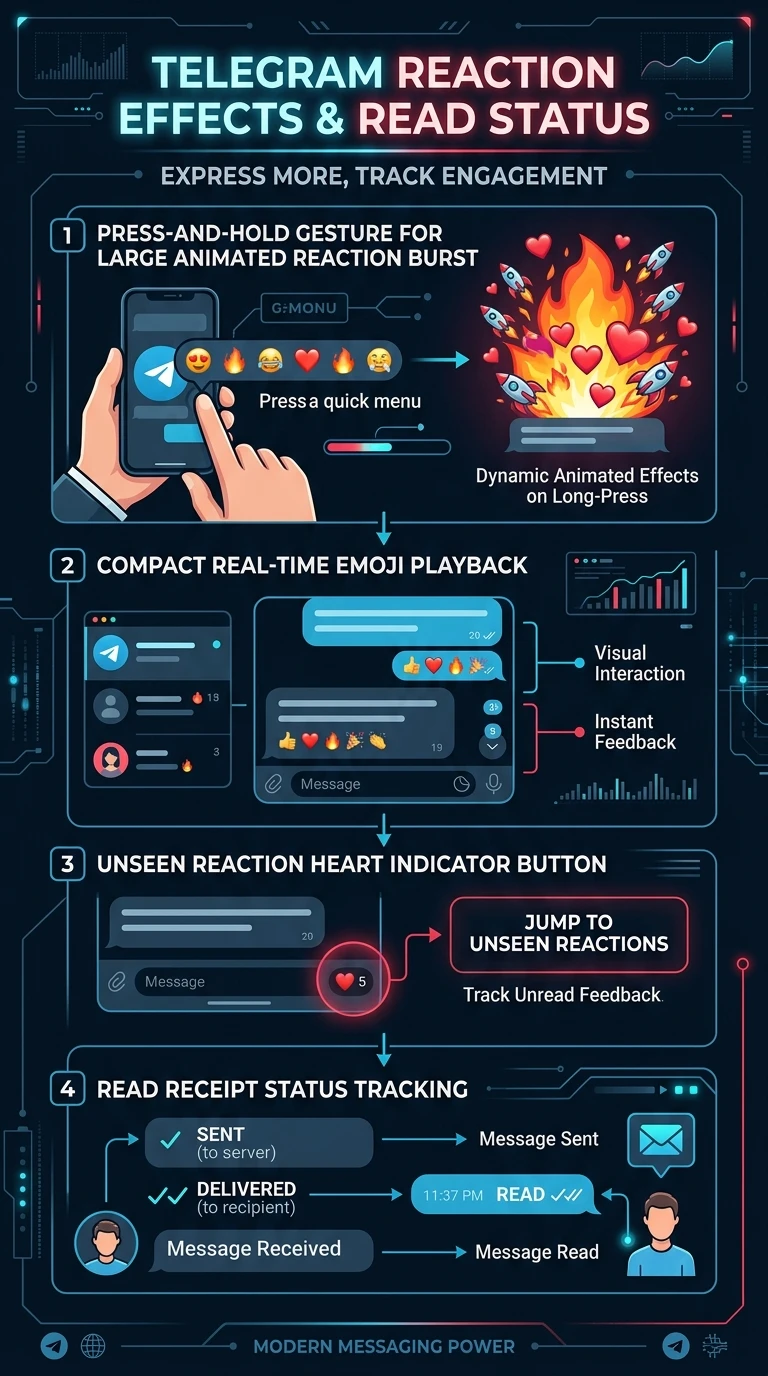
A reaction does two jobs at once. It says something, and it proves you were there — the sender is notified, with your name on it, whether or not read receipts are involved at all.
Some reactions also play an animation across the chat when they land. This page is about both: the effect, and the fact that reacting is the most reliable receipt in the app.
What you will be able to do
- check_circle See the full effect a reaction plays, and replay it.
- check_circle Read the panel that shows who reacted and who has seen a message.
- check_circle Use a reaction as an acknowledgement people can rely on.
- check_circle Avoid reading more into it than it says.
Tapping the counter opens the panel; tapping a reaction that has an effect plays it again.
done_all A response that is also a receipt
Read receipts are conditional: limited by time, by group size, and by whether the other person left them on. A reaction has none of those conditions. It is a deliberate act, it carries a name, and it does not expire.
That makes it the most dependable way to say I have seen this, and the most dependable way to ask. Requesting a reaction gets you a list; watching a receipt gets you a guess.
Some reactions carry an animation that plays across the chat when sent, and tapping the reaction on the message plays it again. It is the same expressive idea as the full-screen emoji effects, attached to something that also functions as a record.
Four ways to read what comes back
The first two are useful. The last two are where people over-interpret.
how_to_reg Certain, named, permanent
celebration The animation
rule Silence is not a verdict
emoji_emotions The choice is not a message
A reaction is the best receipt in the app and the worst evidence of an opinion.
settings Working with them
- Tap a reaction with an effect to replay it On the message where it landed.
- Tap the counter for the list of who reacted Names, not just a number.
- Hold your own message for the full panel Reactions and, where available, who has seen it.
- Ask for a reaction when you need confirmation Rather than relying on receipts.
- Set your quick reaction to something neutral A thumb fits more messages than a heart.
- Turn effects off in the animation settings If they are unwelcome; the reaction still counts.
This page is the reliable signal. The curriculum step is the unreliable ones alongside it: online status, last seen, typing indicators, delivery marks, and the reciprocal settings that govern who can see what.
At a glance
- 1A reliable receipt
A reaction shows someone actually saw your message.
- 2Who reacted
Press and hold to see names under each reaction.
- 3Not an opinion
Many reactions are a default double-tap; don't over-read them.
Updated