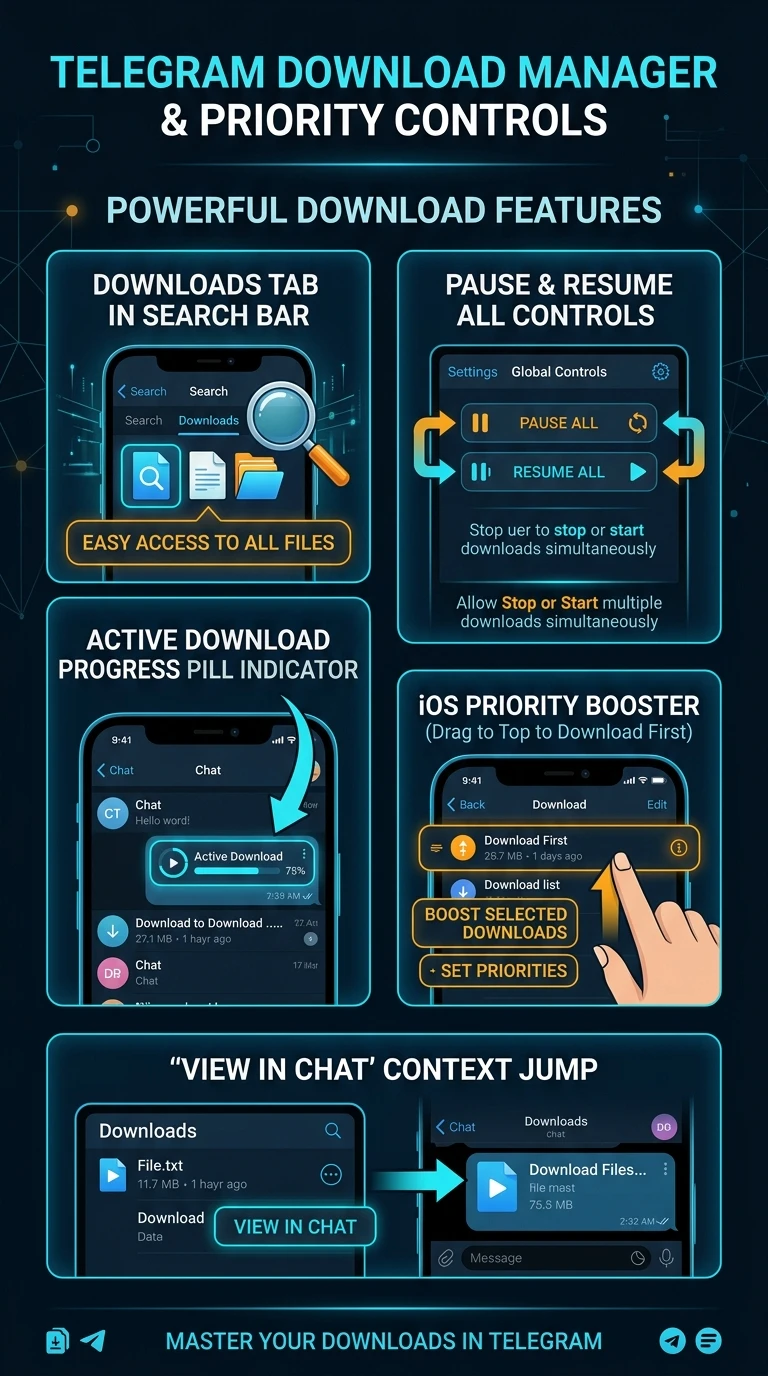
How to Use Telegram Download Manager: Search Downloads Tab, Pause/Resume All & Priority Reordering Guide
Eliminate file transfer bottlenecks. Master Telegram's integrated Download Manager: track active downloads via the search header icon, pause and resume bulk media streams, elevate individual files to high-priority bandwidth, and jump directly to source chat messages.
Managing Massive 2GB / 4GB File Transfers
Telegram supports gigantic file attachments up to 2GB for free users and 4GB for Telegram Premium subscribers. The Download Manager provides essential governance:
How Download Manager Interacts with Local Cache
Downloaded media does not permanently consume local internal phone storage unless you explicitly choose to save it to your camera roll:
Download Manager & Priority Controls Reference
A vertical 9:16 technical specification guide detailing Search Downloads tabs, active download pill indicators, global pause/resume controls, iOS priority boosters, and context jump links.