Skip to content
TGWAY
How-to STEP 06 / 102

How to Read a Telegram Channel in a Web Browser

A public channel has a web page. Open its address in a browser and you get a preview; add an s between the domain and the name and you get the whole…

  • LevelL1
In this article
  1. travel_explore Public means readable by anyone
  2. settings Using it
  3. At a glance
play_circle Video tip • The web

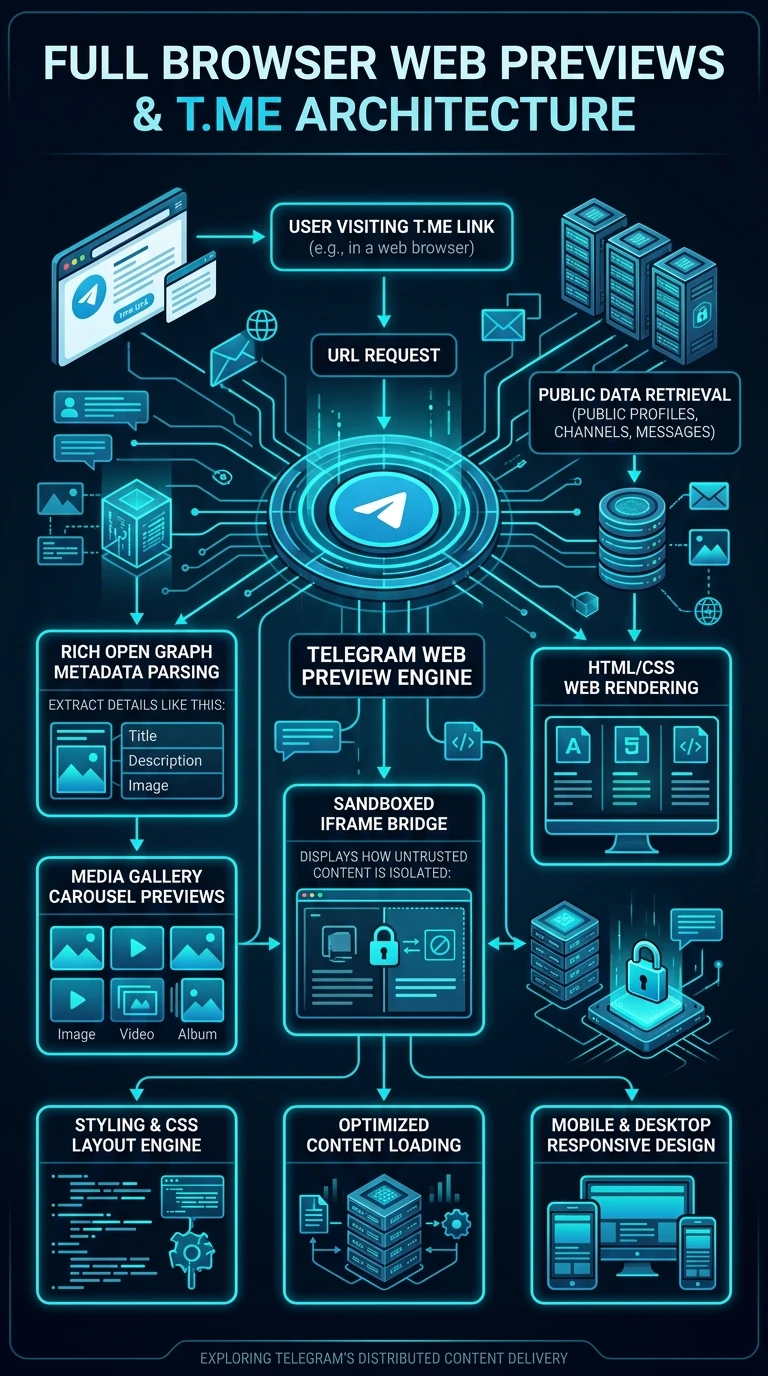
A public channel has a web page. Open its address in a browser and you get a preview; add an s between the domain and the name and you get the whole feed, readable without Telegram, without an account and without signing in to anything.

That page is why a Telegram link pasted into a chat elsewhere shows a picture and a summary, and it is the reason a public channel is findable at all.

What you will be able to do

  • check_circle Read a public channel in a browser with nothing installed.
  • check_circle Link to a single post so it opens for anybody.
  • check_circle Understand what is public and what is not.
  • check_circle Use it when you cannot or should not open the app.
play_circle Official Telegram video short — web previews
1080p clip from @TelegramTips #327 • 0:08

The same address in a browser is a readable page rather than a prompt to install something.

travel_explore Public means readable by anyone

The ordinary address shows a card: name, description, subscriber count, and a button to open the channel in Telegram. The feed version shows the posts themselves, with their images and videos, as an ordinary scrolling web page.

Nothing is being leaked here. A public channel is public by definition, and this is simply what public looks like when the reader has no app. But it is worth realising, because people sometimes treat a public channel as semi-private on the grounds that finding it requires Telegram. It does not.

The same machinery produces the preview card when somebody pastes a Telegram link into another platform. A channel with no description and no picture produces a bare card, which is a small and permanent cost to every link anybody ever shares.

link
Every post has its own address The channel address followed by the post number links to that single post, and it opens for people without the app. That is the link to put in an article or an email — not a screenshot of it.
public Interactive

Four uses for the web version

Two are for readers and two are for people running a channel.

desktop_windows A machine that is not yours

check_circle Reading a public channel needs no account and no session. Nothing is signed in and nothing is left behind.
check_circle Better than the web client for this: you are not logging in at all, so there is no session to remember to end.
check_circle It reads well on a phone browser too, which is useful when somebody sends you a link and you would rather not open the app.

Public is public on the open web. Read that as an opportunity if you run a channel and as a fact if you post in one.

settings Using it

  1. Open a public channel's address in a browser You get its card.
  2. Add an s before the name in the address To read the feed itself.
  3. Use a post's own link when quoting it Rather than a screenshot.
  4. Check your own channel in a private window To see what strangers see.
  5. Write a description and set a picture They are the preview card everywhere.
  6. Remember private channels have none of this A link to one shows nothing until you are let in.
menu_book
Part of the beginner curriculum Step 71 — Public and private channels

This page is what the outside world can see. The curriculum step is the decision behind it: choosing public or private, what each exposes, how people discover a channel, and what changes the day you make one open.

Summary

At a glance

  1. 1Read in a browser

    Open t.me/s/channelname to read without the app.

  2. 2Link one post

    Post links open for anyone, even without Telegram.

  3. 3Public means public

    Anything in a public channel can be read on the web.

Share this guide

Send it to a friend who has the same question.

Telegram WhatsApp
More

Open on your phonePoint your phone camera here to open this guide.

Updated

Related articles

View all ›