How to Use Picture-in-Picture (PiP) Video in Telegram: Multi-Tasking Playback, Floating Windows & Canvas Resizing
Never pause your video content while replying to urgent chats or reading channel feeds. Discover how Telegram's floating Picture-in-Picture window lets you drag, resize, and position video streams anywhere on your screen.
picture_in_picture_alt
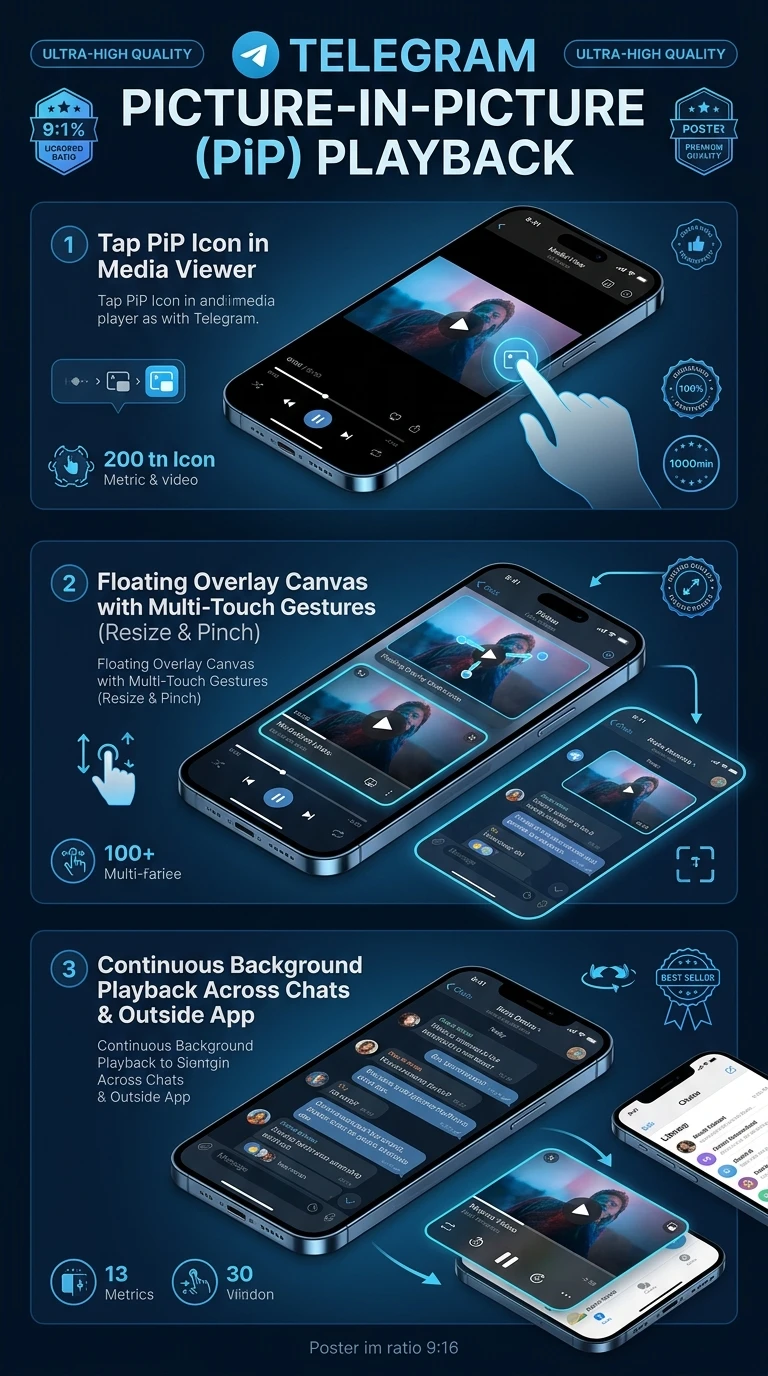
Official demonstration: Tapping the PiP icon in the video player to collapse playback into a floating overlay while navigating through chats and groups.
Pinch to Resize
Pinch with two fingers on mobile to dynamically scale the floating player from a discreet thumbnail to a large preview.
Freeform Screen Docking
Drag the PiP window to any corner or edge of your display, with intelligent magnetic snap-to-edge positioning.
System-Wide PiP (Android & iOS)
Continue watching videos even when switching away from Telegram to browse external web pages or use other apps.
layers
WINDOW ENGINE
PiP Floating Overlay Lifecycle & Controls
The Picture-in-Picture renderer operates as an independent window overlay above the main chat viewport:
touch_app
1-Tap Interactive Controls: Tap the mini window once to reveal quick Play/Pause toggles, a 10-second skip button, and the expand-to-fullscreen button.
swipe_left
Flick to Dismiss: Swipe the mini player off either side of the screen to close the playback instantly without navigating back to the source chat.
desktop_windows
Desktop Multi-Monitor Support: On Telegram Desktop, the PiP window can be dragged onto secondary monitors, allowing background stream monitoring while working.
science
INTERACTIVE PIP SIMULATOR
PiP Floating Window Playground
Toggle between corner docking positions and adjust the scale slider to simulate Telegram's floating Picture-in-Picture player.
Simulated Telegram Chat Viewport
play_arrow
PiP Video Active
auto_awesome
EXECUTIVE VISUAL SUMMARY
Picture-in-Picture Multi-Tasking Architecture
A vertical 9:16 reference architecture illustrating Telegram's floating window overlay manager, touch gesture scaling, background audio routing, and OS-level system PiP integration.
auto_stories
More in "tips" Learning Track