LIVE PORTAL Telegram v11.8 API Synchronized Free Animated Stickers
shield_person ADMIN LOGGED IN + Write Guide
admin_panel_settings ADMIN CONTROLS Guide #10908 • tips
How to Post Telegram Group Stories: Admin Permissions, Daily Level Quotas & In-Chat Reply Threads
play_circle Official Video Tip #428
Telegram Tips & Video Shorts Series

How to Post Telegram Group Stories: Admin Permissions, Daily Level Quotas & In-Chat Reply Threads

Transform community announcements into engaging ephemeral visual narratives. Learn how boosted groups publish stories, how each boost level grants an additional daily story slot, and how member replies seamlessly quote directly into the group discussion to spark lively conversations.

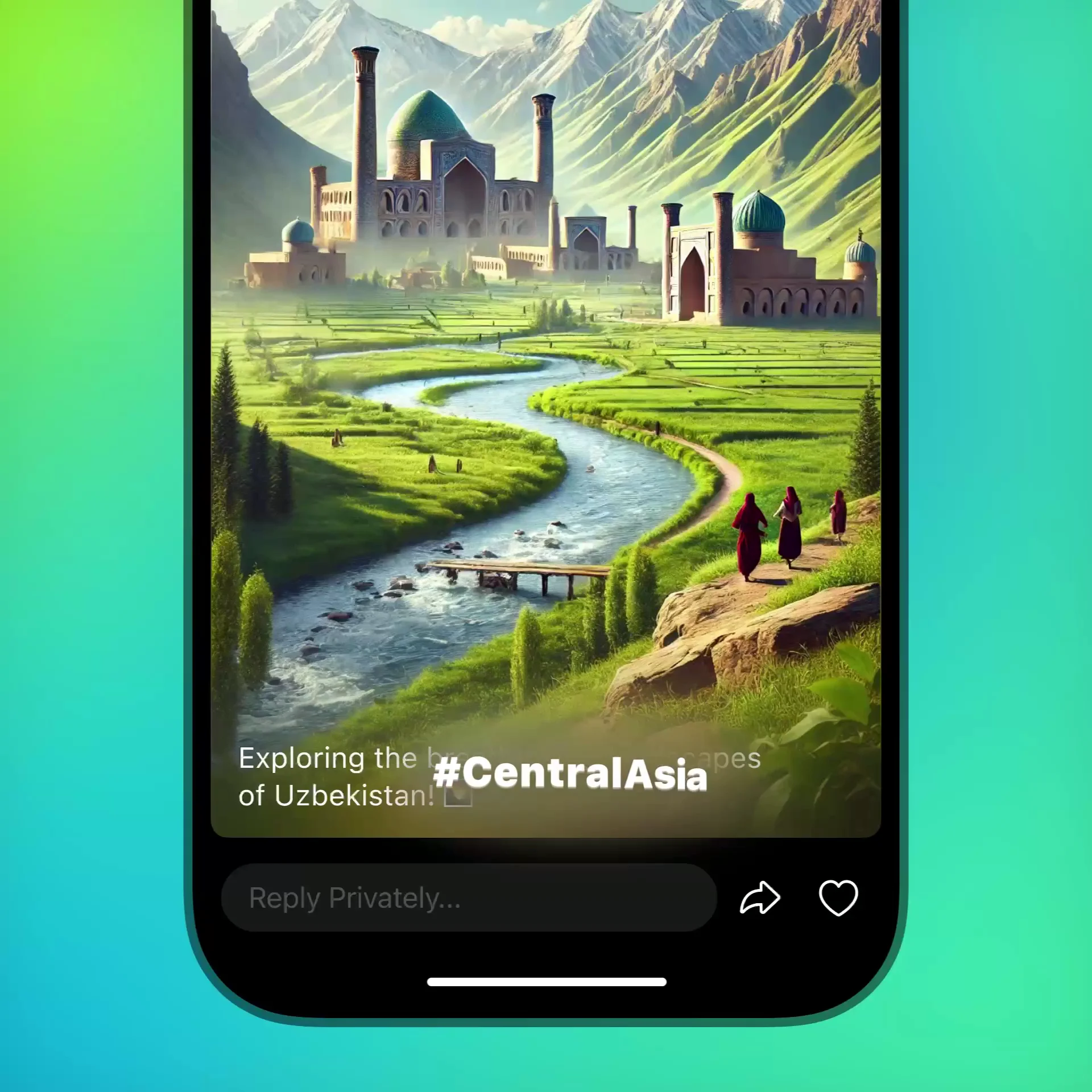
amp_stories Official demonstration: Admin tapping the story icon on a boosted group profile, creating a photo/video story with interactive stickers, and observing viewer replies posted directly into the chat thread.
shield_person
Admin Story Rights
Group owners can delegate story publishing rights to specific administrators through the granular 'Post Stories' admin permission toggle.
filter_1
1 Story Per Level / Day
Group story capacity grows linearly: Level 1 grants 1 story per day, Level 5 grants 5 daily stories, and Level 10 enables 10 daily story broadcasts.
forum
In-Chat Discussion Funnel
Unlike private stories where replies go to DMs, group story replies land directly in the public chat as quoted message cards, stimulating chat activity.
switch_account
'Post Story As' Switcher
Admins can capture media once, then choose whether to publish under their personal handle or under the group's official community identity.

conversion_path Step-by-Step Publishing Architecture

Publishing stories from a group leverages Telegram's universal story editor while enforcing community level bounds:

Step 1: Check Boost Level
Ensure the group has reached at least Level 1. Admins can verify remaining daily story capacity directly on the group profile header.
Step 2: Trigger Story Creation
Tap the camera/story icon on the group profile, or open your regular story camera and tap your profile avatar at the top to select the group.
Step 3: Enrich with Widgets
Add location tags, reaction stickers, text overlays, or interactive link buttons that drive members to specific topics or pinned posts.
Step 4: Monitor In-Chat Replies
When members swipe up to reply, their responses automatically appear in the main chat room as quoted story previews.

tune Interactive Simulator: Daily Story Quotas & In-Chat Thread Preview

Select your community level to preview available daily publishing slots and simulated member reply cards:

Daily Story Quota:
1 Story / Day
Active story duration: 24 Hours
Stealth mode visibility: Public to all members

Simulated In-Chat Member Reply:
Story #1 • TG Community
"Community AMA starting at 18:00 UTC!"
"Can't wait! Will the recording be available later?"
amp_stories GROUP STORIES PROTOCOL INFOGRAPHIC
Telegram Group Stories: Publishing & In-Chat Replies
Telegram Group Stories Publishing Infographic
Click infographic to expand to full high-resolution modal view

code MTProto Schema: Sending Stories as a Peer Channel/Chat

When publishing stories on behalf of a group, the client invokes stories.sendStory specifying the group's InputPeer rather than inputPeerSelf:

// MTProto Layer 174: Group Story Dispatch
stories.sendStory#e4e6694b {
flags: #,
peer: InputPeer = inputPeerChannel { channel_id, access_hash },
media: InputMedia = inputMediaUploadedPhoto { ... },
caption: flags.0?string,
privacy_rules: Vector<InputPrivacyRule> = [inputPrivacyValueAllowAll],
period: flags.3?int = 86400 // 24 hours expiry
} = Updates;

verified Frequently Asked Questions: Group Stories

Can members reply privately to a group story?

By default, replies to group stories route directly to the group chat so that all members can participate in the discussion. If the group has topics enabled, replies land in the General topic.

Can non-admin members post stories as the group?

No. Only administrators who possess the explicit 'Post Stories' administrator right can publish stories under the group's profile.

admin_panel_settings ADMIN Guide #10908 Actions
Enlarged Preview
Click anywhere outside or press ESC to close viewer
smart_display Telegram Video Short
1080p HD
Official Source: @TelegramTips Post #44 Press ESC or click outside to close