How to Set Group Emoji in Telegram: Boost Unlocks, Open Platform Packs & Free Community Expressions
Unleash vibrant, expressive conversations without requiring individual Premium subscriptions. Understand how boosted groups assign a dedicated custom emoji pack, allowing every single member—free or paid—to use exclusive custom emoji within that chat room.
settings_suggest How Admins Configure Group Emoji Packs
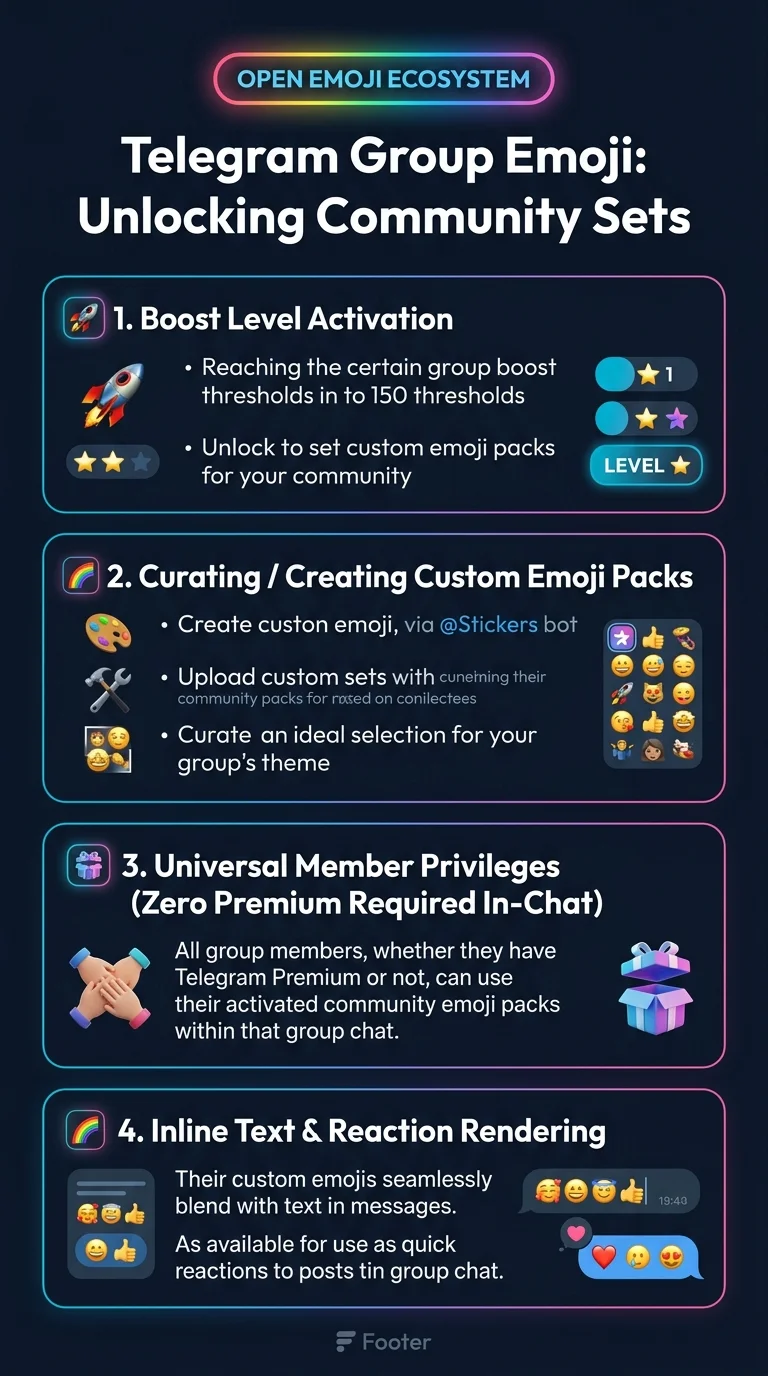
Once your community reaches the designated Boost Level threshold (Level 8 or higher), setting a pack takes just a few seconds:
| Step | Action | Required Permission | Result |
|---|---|---|---|
| 1. Reach Boost Tier | Accumulate required member boosts or run a Giveaway | Community members | Group achieves Level 8+ status |
| 2. Open Group Edit | Go to Group Profile > Edit > Group Emoji | Change Group Info | Opens emoji pack selector |
| 3. Choose or Enter Pack | Select an installed pack or enter a custom t.me/addemoji/... link |
Admin | Assigns the pack identifier to the group metadata |
| 4. Member Usage | Members open the emoji panel and see the group pack pinned at the top | None (All members) | Free, unrestricted custom emoji usage in chat |
forum Interactive Sandbox: Group Emoji Expression Playground
Experience how unlocked group emoji blend seamlessly into chat bubbles for non-Premium members:
code MTProto Schema: Setting Group Emoji Sticker Set
Administrators assign the group emoji set using channels.setEmojiStickers with the corresponding InputStickerSet:
verified Frequently Asked Questions: Group Emoji
Can members use the group emoji outside of that chat?
Only members who have an active Telegram Premium subscription can use custom emoji globally across any chat. Non-Premium members can use the assigned set exclusively inside that boosted group.
How many emojis can be in a single group pack?
A single custom emoji pack created via @stickers can contain up to 200 custom animated or static emoji icons, giving your community a vast arsenal of expressions.