How to Set Default Chat Folders in Telegram: Custom Startup Workspaces, Tab Reordering & Zero-Distraction Inboxes
Stop opening Telegram into a flood of unorganized group notifications. Discover how Telegram Premium lets you replace the default All Chats tab with custom focus workspaces like Work, VIP Clients, or Unread messages.
folder_open
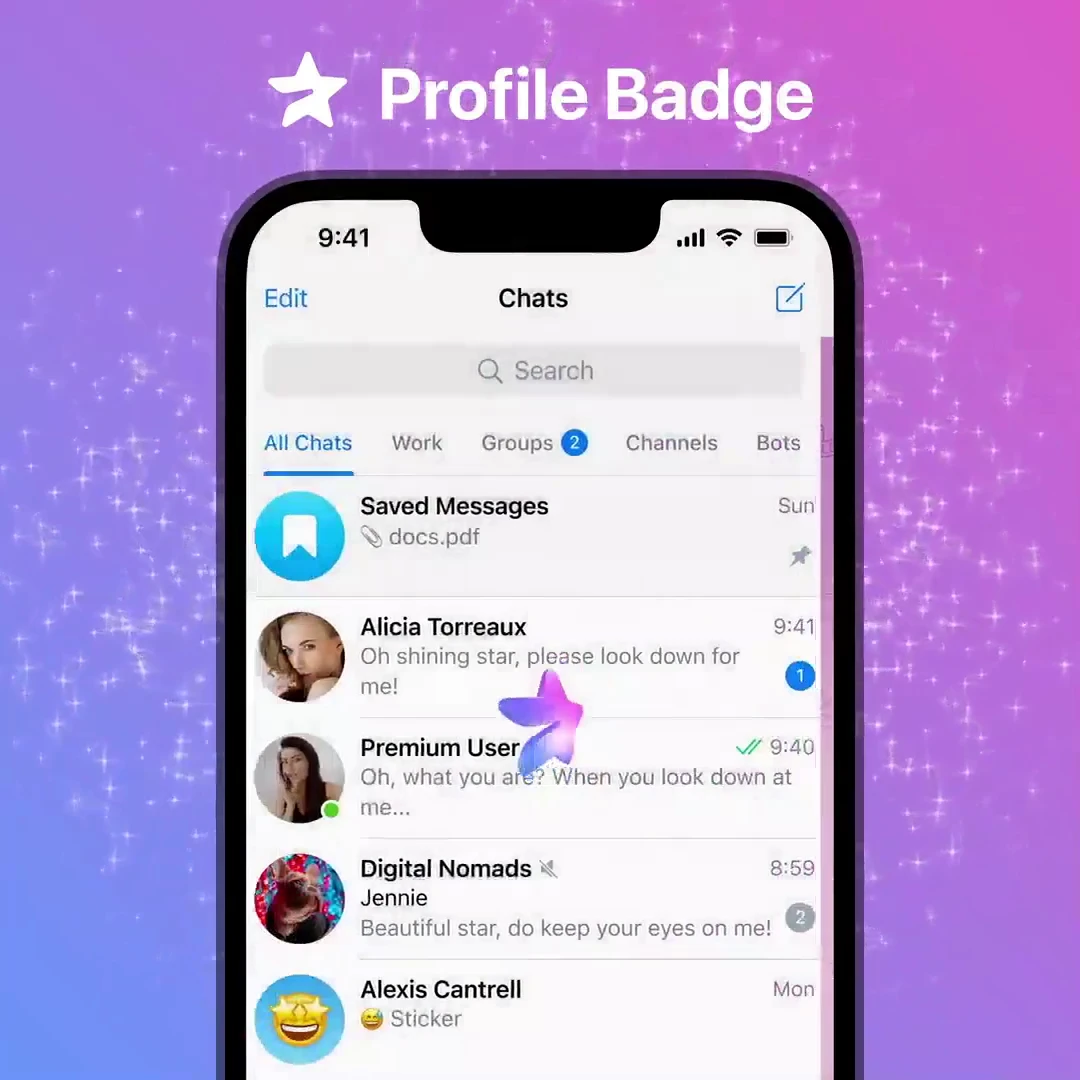
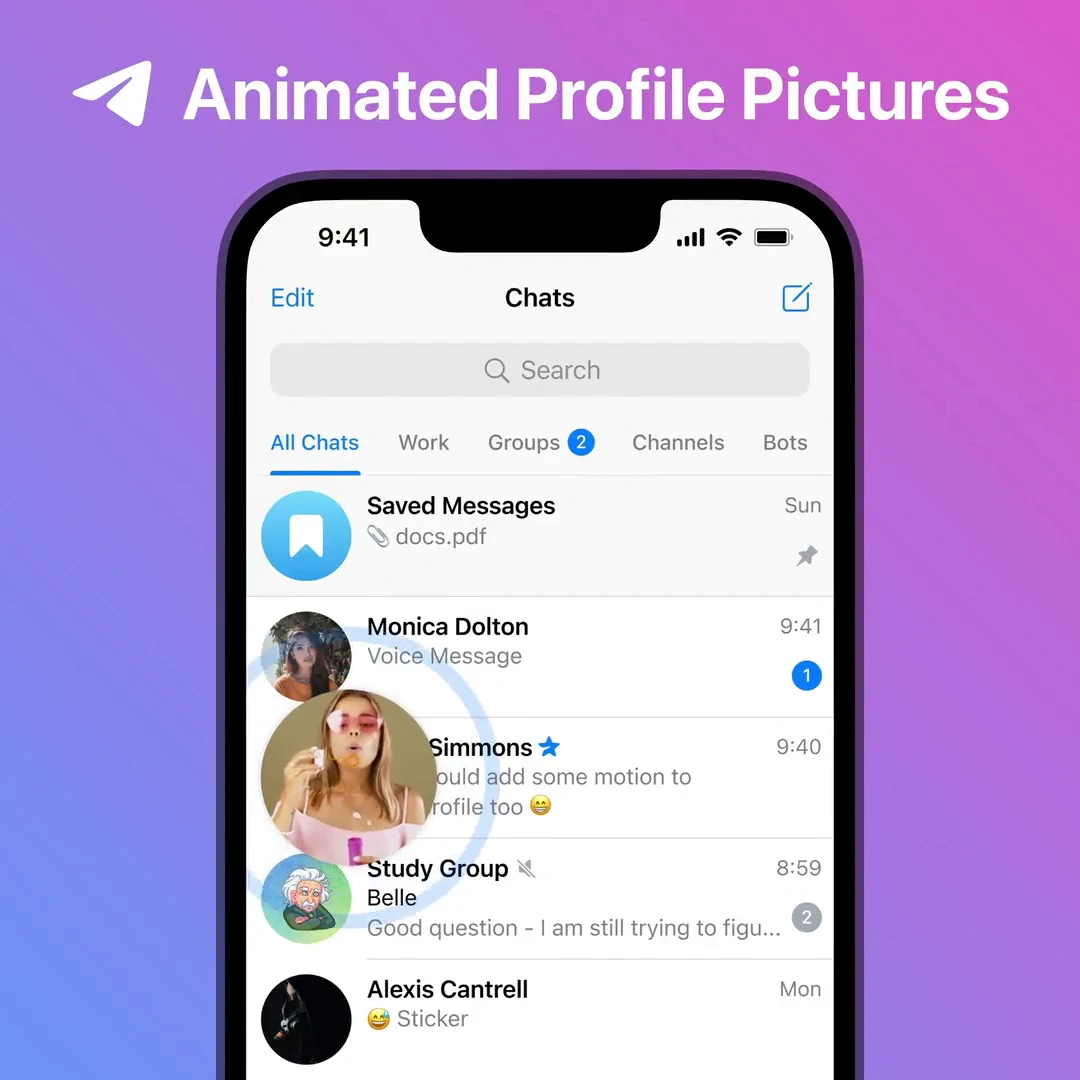
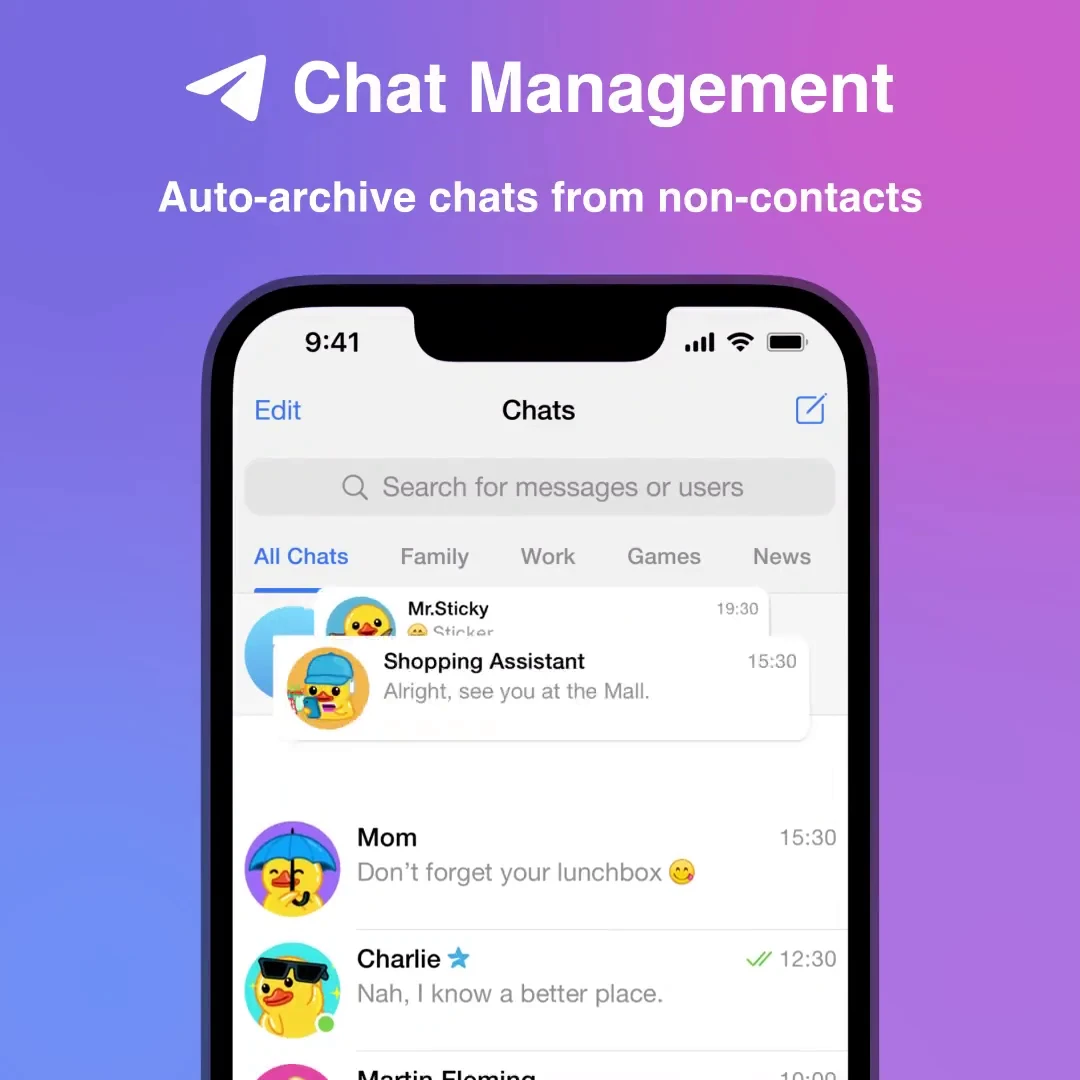
Official demonstration: Long-pressing chat folder tabs and reordering workspaces to change the startup view.
Startup Tab Freedom
Launch straight into your Work, Family, or VIP Client folder instead of the noisy generic All Chats tab.
Intuitive Drag & Reorder
Simply long-press any tab or folder in Settings to drag and drop your folders into optimal priority sequence.
Instant Cross-Device Sync
Your folder ordering synchronizes seamlessly across Telegram Desktop on macOS/Windows and mobile apps.
tune
CONFIGURATION BLUEPRINT
Step-by-Step: Reordering Folder Indexes in Telegram
The first folder in your navigation bar automatically serves as your default startup workspace:
touch_app
Long-Press Method: Touch and hold any folder header on mobile, then select Reorder from the pop-up contextual menu.
settings
Settings Menu Path: Navigate to
Settings > Chat Folders on iOS, Android, or Desktop, where all created workspaces are listed with drag handles.
pin_drop
Setting the First Position: Drag your preferred focus folder (e.g. Work or Unread) to the top position. On next app launch, Telegram will open to this folder by default.
science
INTERACTIVE FOLDER REORDER SIMULATOR
Simulate Startup Workspace Selection
Click a folder tab below to promote it to the #1 default spot and preview what your Telegram launch screen looks like.
💼 Work Focus
DEFAULT ON LAUNCH
Opens instantly on launch: 3 unread client conversations isolated from background noise.
account_tree
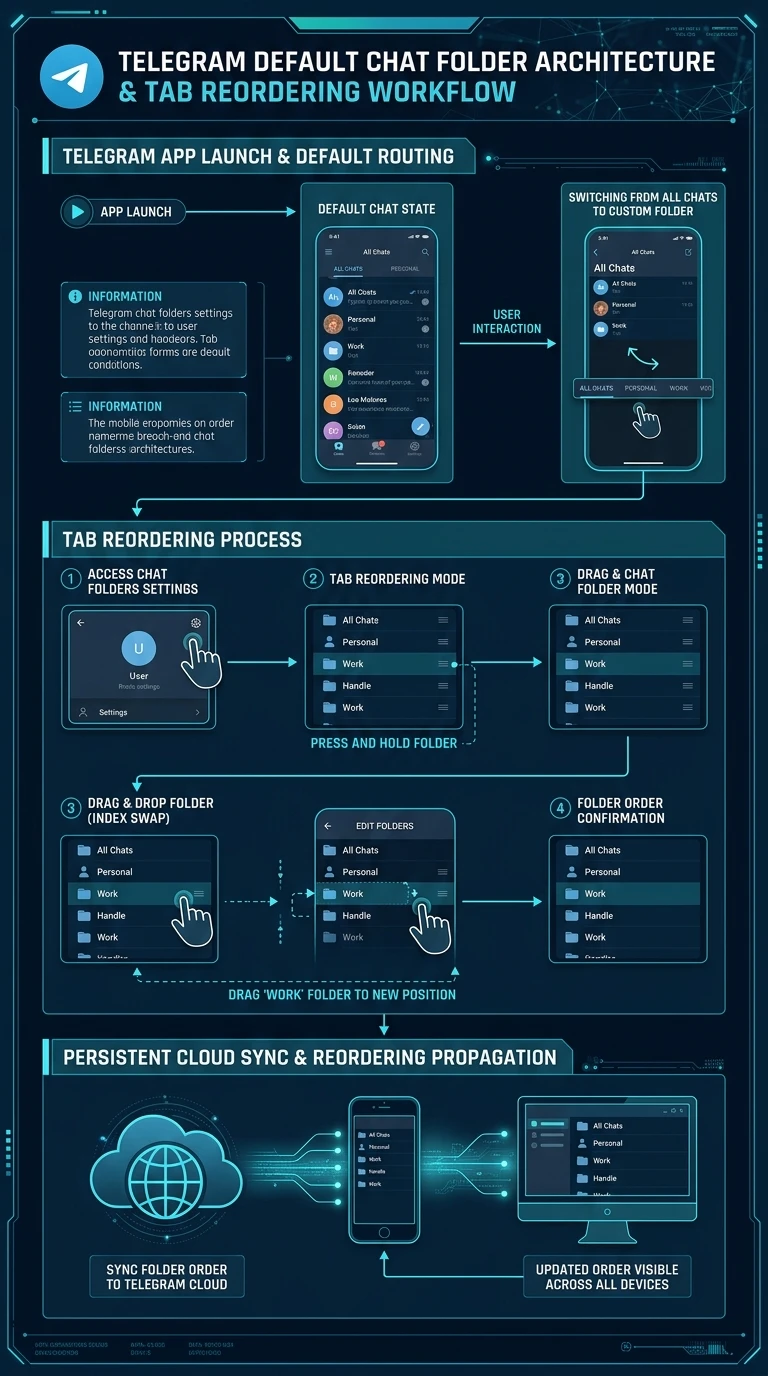
One-Page Executive Infographic
Telegram Default Chat Folder Architecture & Tab Reordering Workflow
A vertical 9:16 reference architecture illustrating app launch state initial routing, default tab switching from All Chats to custom folders, and cloud synchronization.
auto_stories
More in "tips" Learning Track