How to Auto-Archive & Mute Non-Contact Chats in Telegram: Silent Quarantine, Spam Shielding & Zero-Notification Inboxes
Eradicate spam DMs, scam promotions, and cold outreach from strangers. Master Telegram's native privacy shield that automatically quarantines incoming messages from non-contacts directly into Archived Chats with all notification sounds disabled.
shield
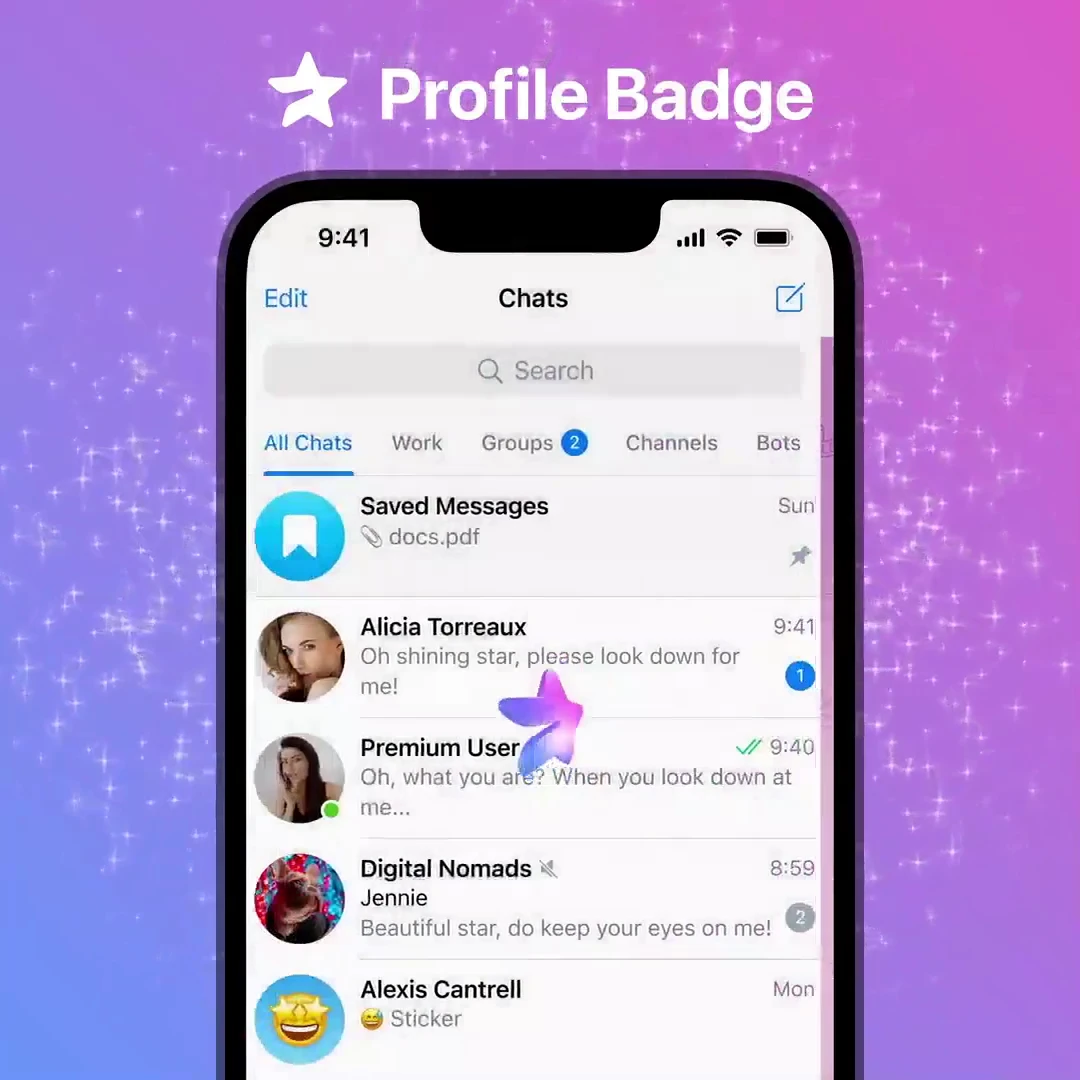
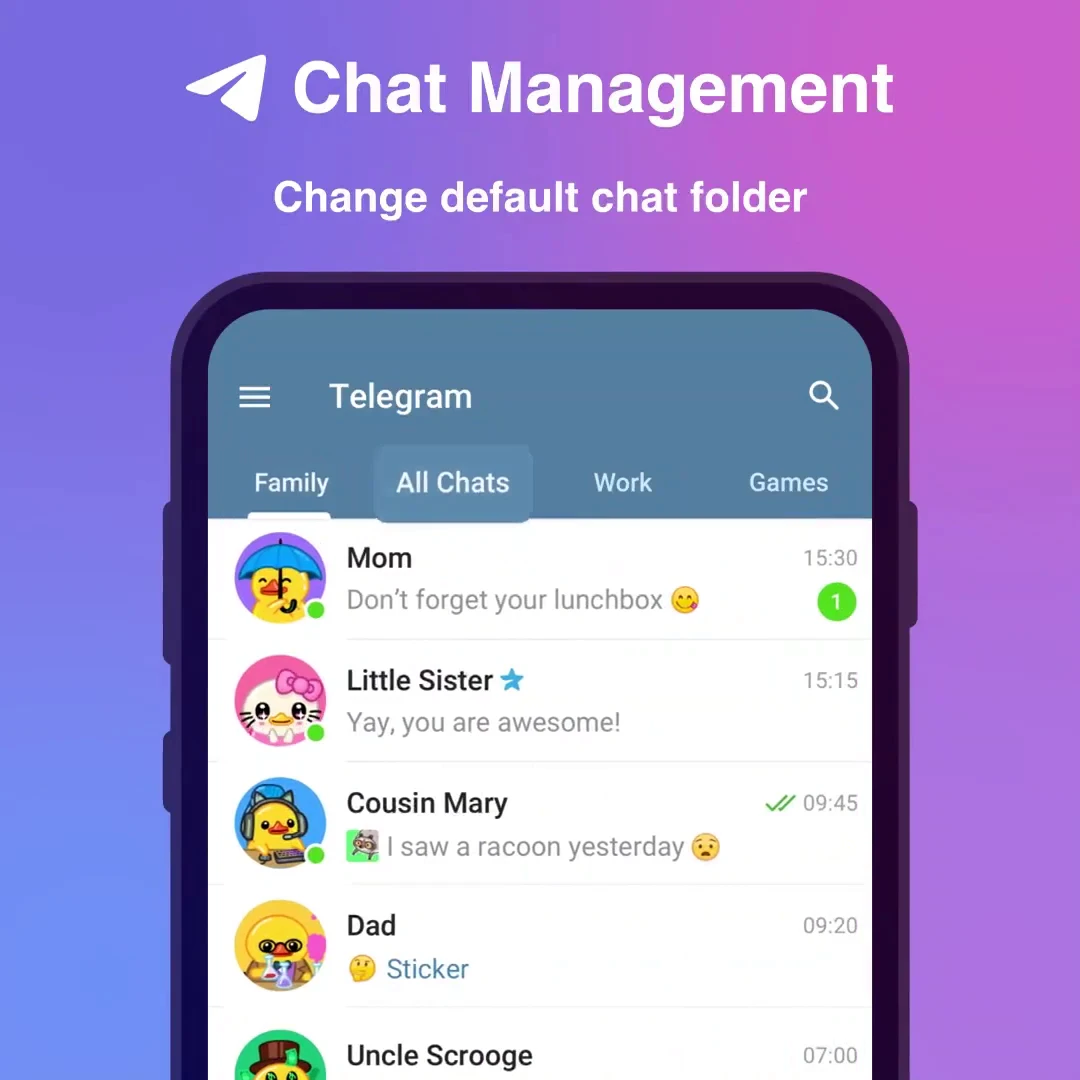
Official demonstration: Enabling Archive and Mute in Privacy and Security settings to filter non-contact inquiries.
Automatic Quarantine
Chats initiated by anyone not saved in your phone contacts bypass your main inbox and enter Archived Chats.
100% Notification Silence
No banner popups, no vibrations, and no acoustic ringtones—quarantined chats never disturb your daily focus.
Contact Whitelisting
Friends, family, and colleagues in your contacts list continue delivering normal full-screen notifications.
security
PRIVACY SECURITY MATRIX
How Telegram's Inbound Message Gateway Classifies Senders
When an unknown user sends you a message for the first time via your username or a public group:
filter_alt
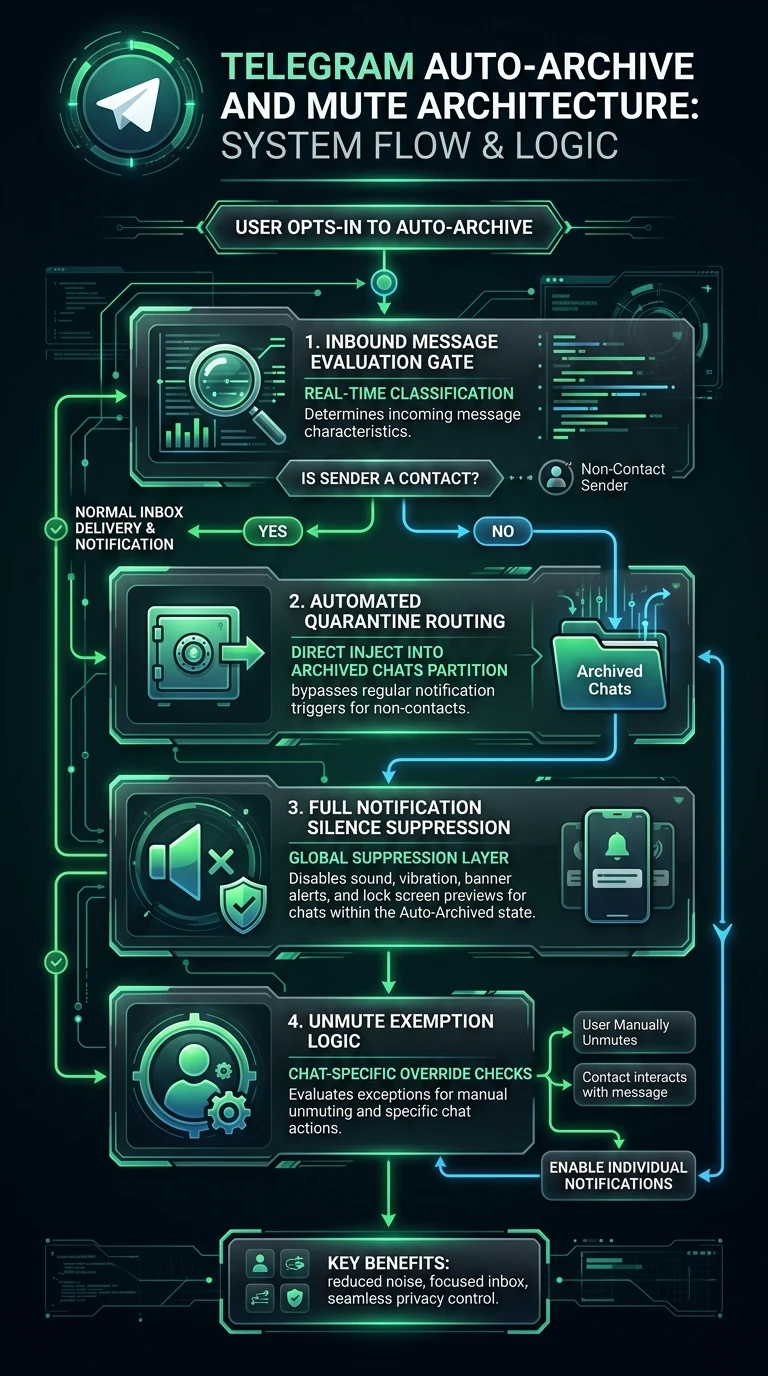
Gate 1: Mutual Contact Evaluation: Telegram verifies if the sender's user ID exists in your synchronized contact book. If absent, the quarantine rule triggers immediately.
inventory_2
Gate 2: Partitioned Cloud Routing: The new chat entity is tagged with the
folder_id: 1 (Archived Chats) flag directly on Telegram MTProto servers, preventing it from appearing in the main chat feed.
notification_important
Gate 3: APNs & FCM Push Suppression: Push notification flags are stripped from the payload, preventing your phone screen from waking or displaying lock-screen previews.
science
INTERACTIVE INBOX GATEWAY SIMULATOR
Test Contact vs. Stranger Message Handling
Simulate an incoming message from a verified contact versus an unknown crypto bot to see the Auto-Archive quarantine in action.
Tap a button above to test Telegram's Inbound Message Evaluation Gate.
account_tree
One-Page Executive Infographic
Telegram Auto-Archive and Mute Architecture: System Flow & Logic
A vertical 9:16 reference architecture illustrating inbound message evaluation gates, automated quarantine routing into Archived Chats, and full notification silence suppression.
auto_stories
More in "tips" Learning Track