How to Set Animated Looping Profile Pictures in Telegram: High-Efficiency Video Avatars & Cross-Chat Playback
Bring your profile to life with dynamic looping video avatars. Learn how Telegram Premium animates profile videos continuously across all chats, conversation list headers, and member rosters with hardware-accelerated video decoding.
motion_photos_on
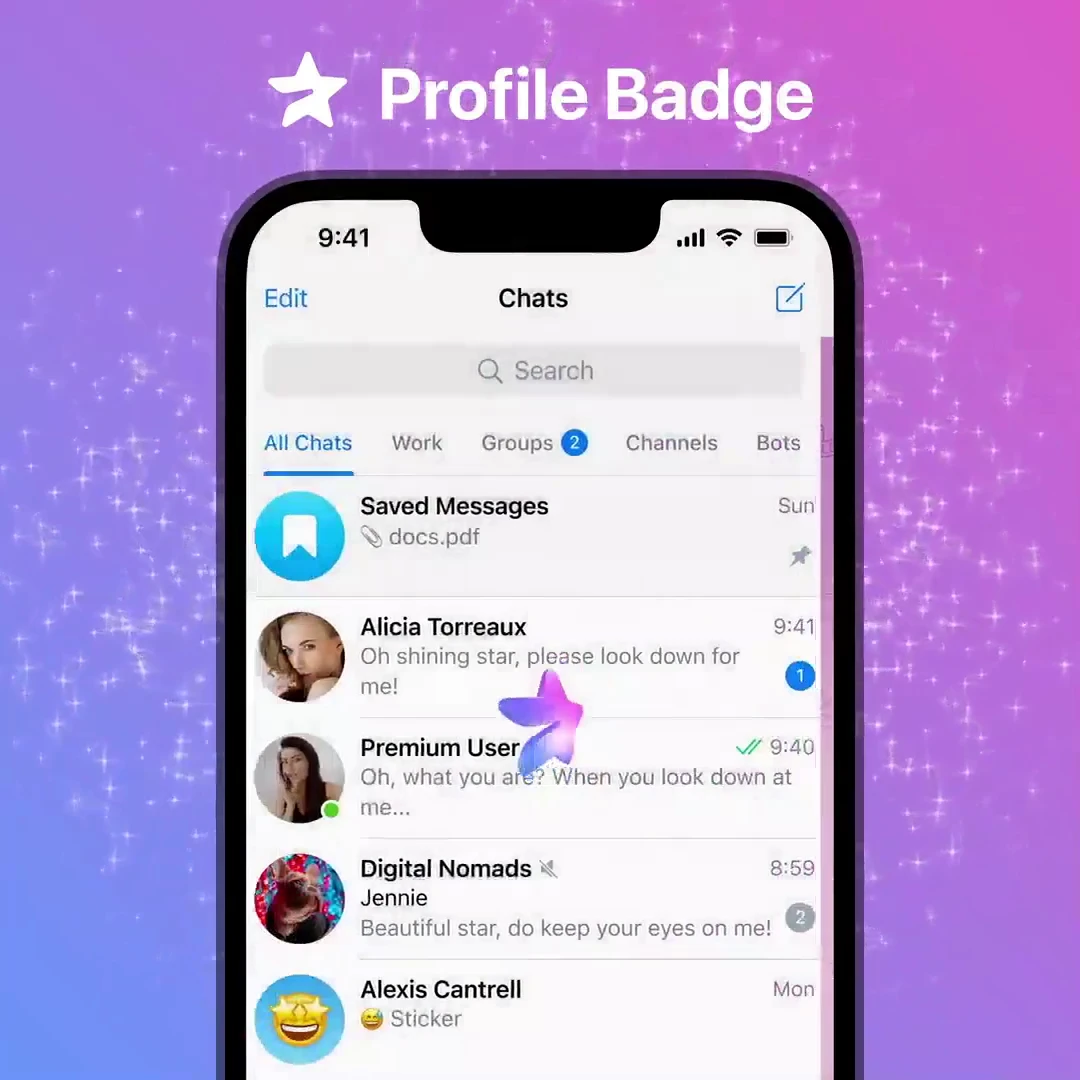
Official demonstration: Profile videos animating continuously inside chat bubbles and conversation rosters for Premium subscribers.
Universal Looping Animation
Premium video avatars loop continuously in the chat list, group headers, and inside message streams.
Hardware GPU Acceleration
Decoded via native Metal/Vulkan shaders with intelligent frame pausing during active viewport scrolling.
Built-In Media Editor
Choose any clip from your gallery, choose the exact static freeze-frame cover, and apply smooth looping curves.
memory
RENDER ENGINE ARCHITECTURE
How Telegram Manages Battery & GPU Usage for Looping Avatars
Playing dozens of simultaneous looping videos could drain mobile batteries without Telegram's strict rendering pipeline:
speed
Viewport Occlusion Culling: Only avatars currently visible on screen decode frames; off-screen avatars freeze on their cached static keyframe.
compress
High-Efficiency Transcoding (CRF 24): Videos uploaded as profile avatars are compressed into lightweight 1080x1080 circular video streams under 1.8 MB.
power
Low Power Mode Compliance: When your device enters Battery Saver mode or falls below 20%, avatar looping pauses automatically until tapped.
science
INTERACTIVE AVATAR LOOP PREVIEWER
Toggle Static vs. Looping Video Avatar
Tap the avatar disc below to toggle between standard static photo mode and Telegram Premium's live kinetic video loop.
⭐️ LIVE LOOPING AVATAR ACTIVE
Tap the avatar above to freeze onto static photo mode.
account_tree
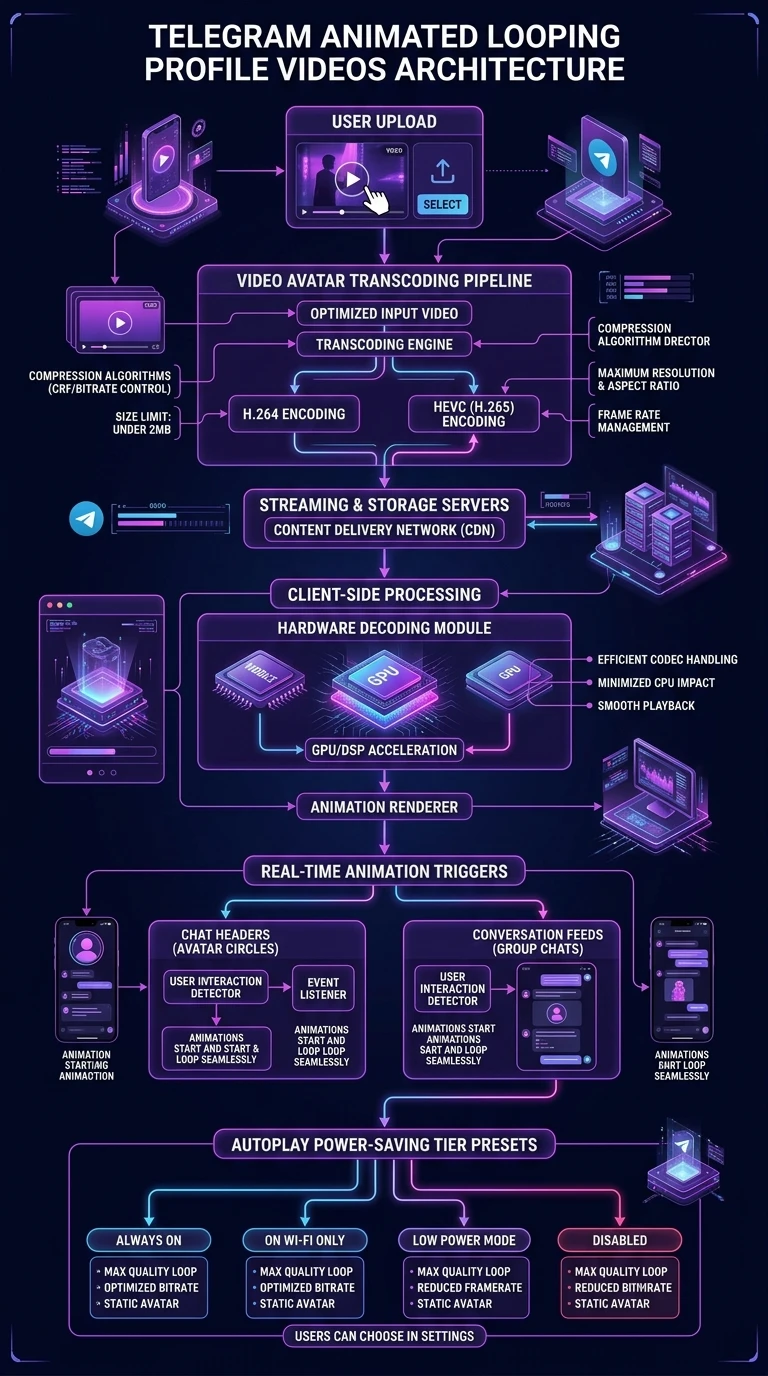
One-Page Executive Infographic
Telegram Animated Looping Profile Videos Architecture
A vertical 9:16 reference architecture illustrating video avatar transcoding, client-side hardware decoding with low CPU impact, and viewport occlusion culling.
auto_stories
More in "tips" Learning Track