

The official Telegram blog post, copied in full. Menu names may differ in today's app — check the Glossary.Read the original (opens in a new tab)
We believe in freedom. This is why Telegram is a free and open platform – for stickers, for bots, and even for third-party client apps. We believe that if we give you freedom, you’ll know what to do with it.
Starting today, 85% of Telegram users can completely change what Telegram looks like for them. We are rolling out Custom Themes on Android, and will later support them on less popular platforms.
To switch to a different theme or create a new one, go to Settings > Theme. We‘ve included a Dark Theme in that menu for those of you who don’t want to use Telegram as a flashlight in dark places.
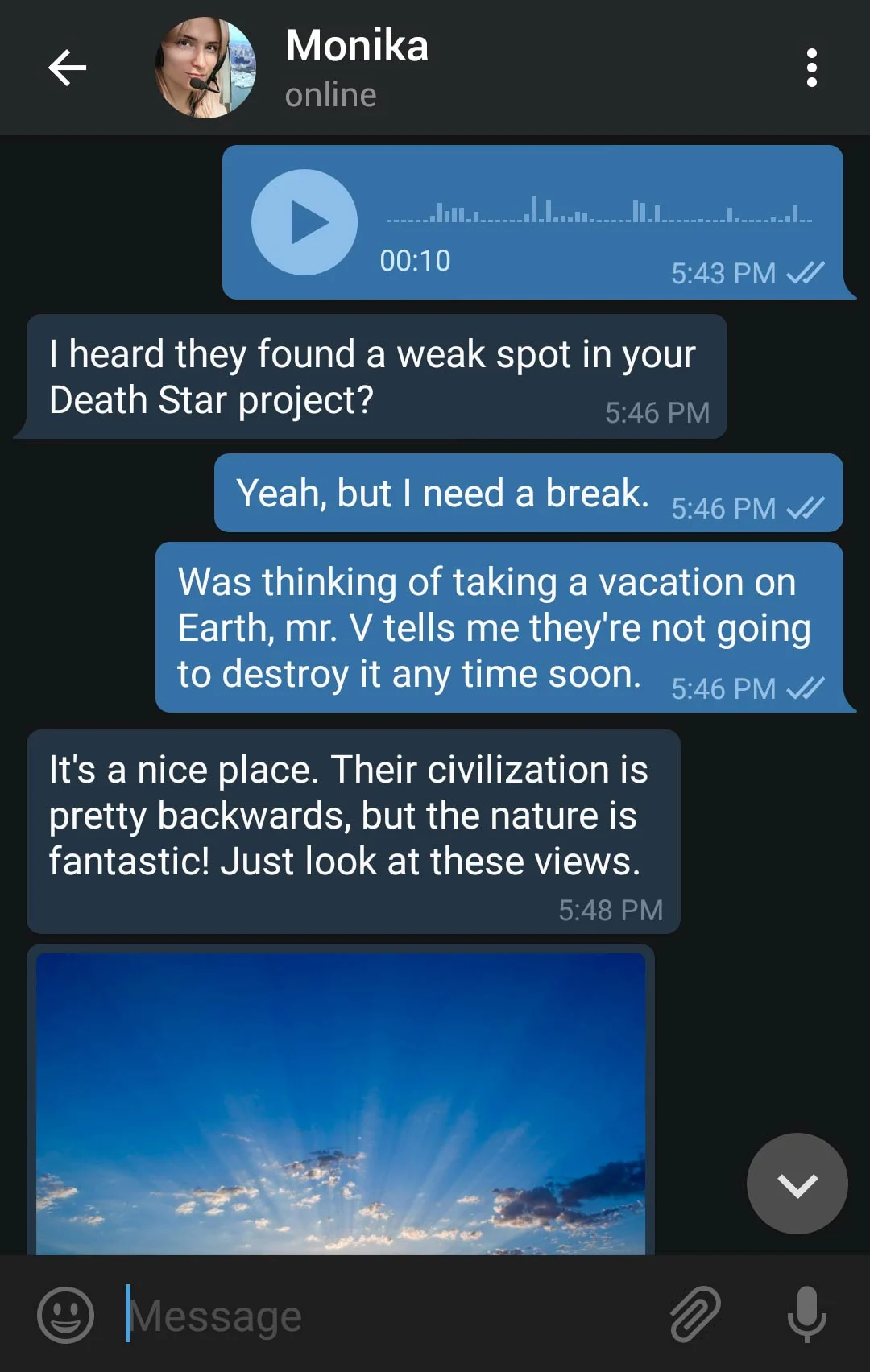
The new dark theme
Easy on the eyes
Create Your Own
We've also added a Theme Editor to the app. You can now create new themes and easily share them with other users.
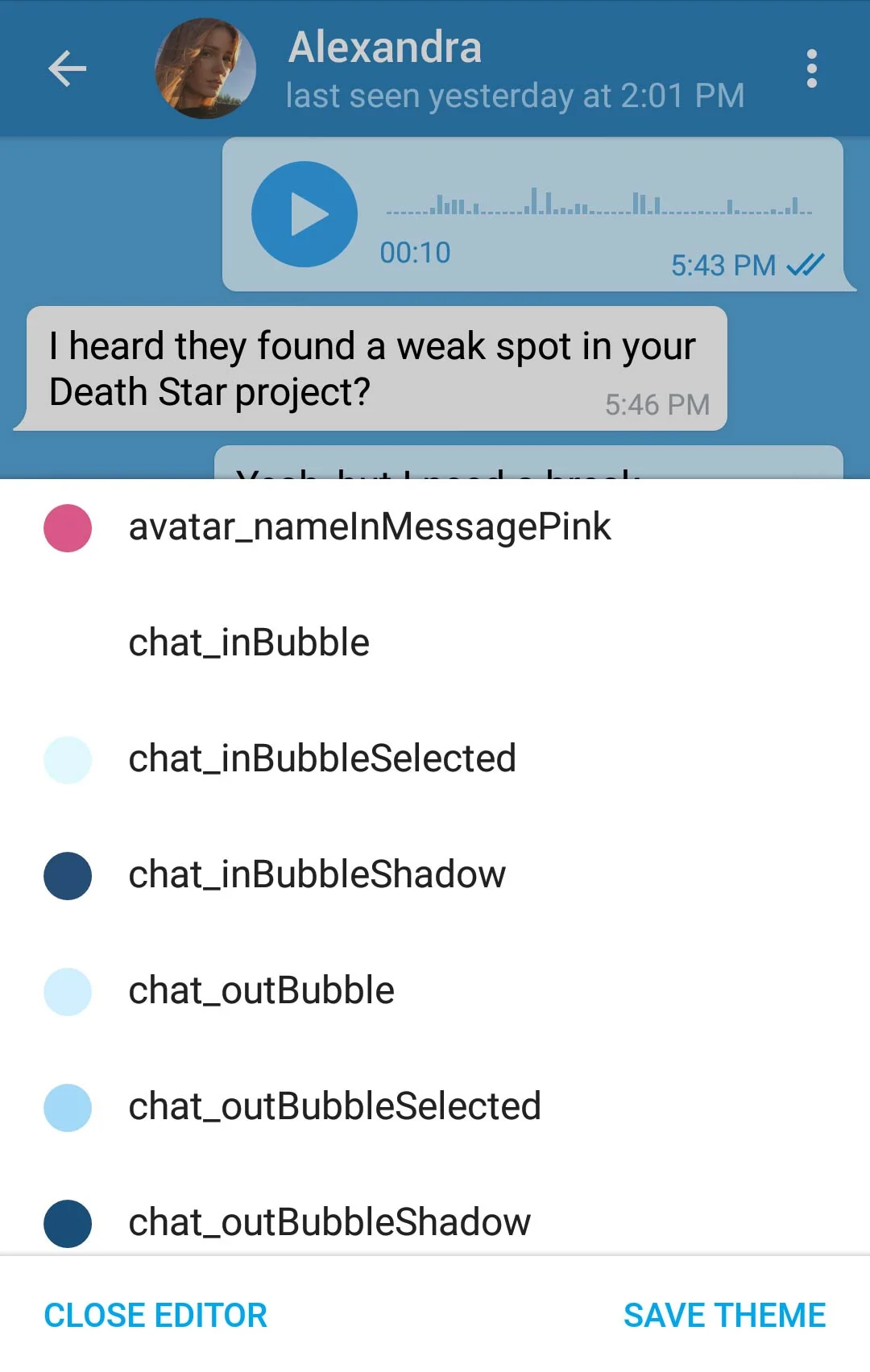
Choose an element
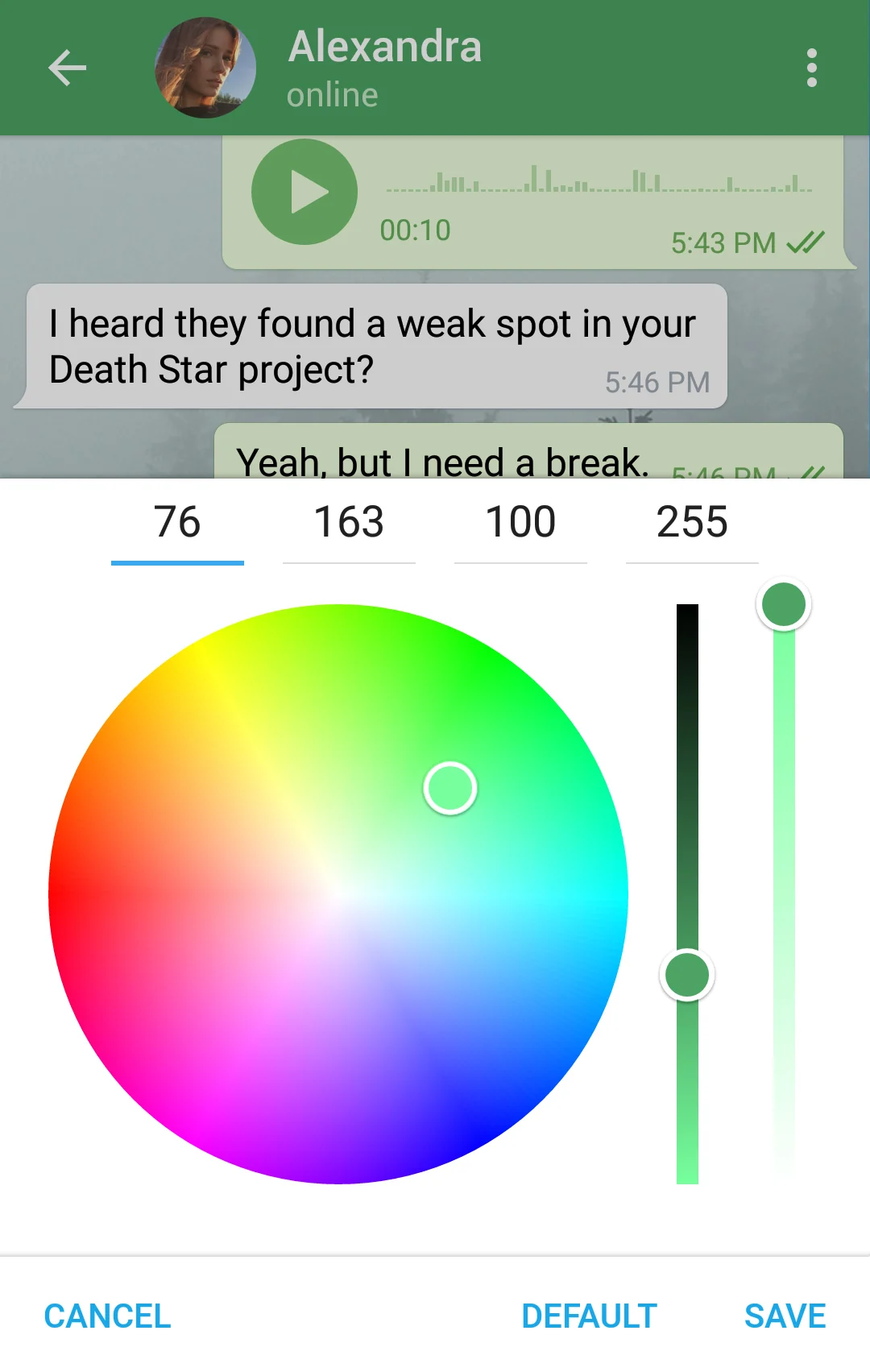
Pick a color
Just like stickers and bots, Telegram themes are part of an open platform, so anybody can create a theme and dazzle the world with new colors and backgrounds. Here's another example of a theme created by our users:
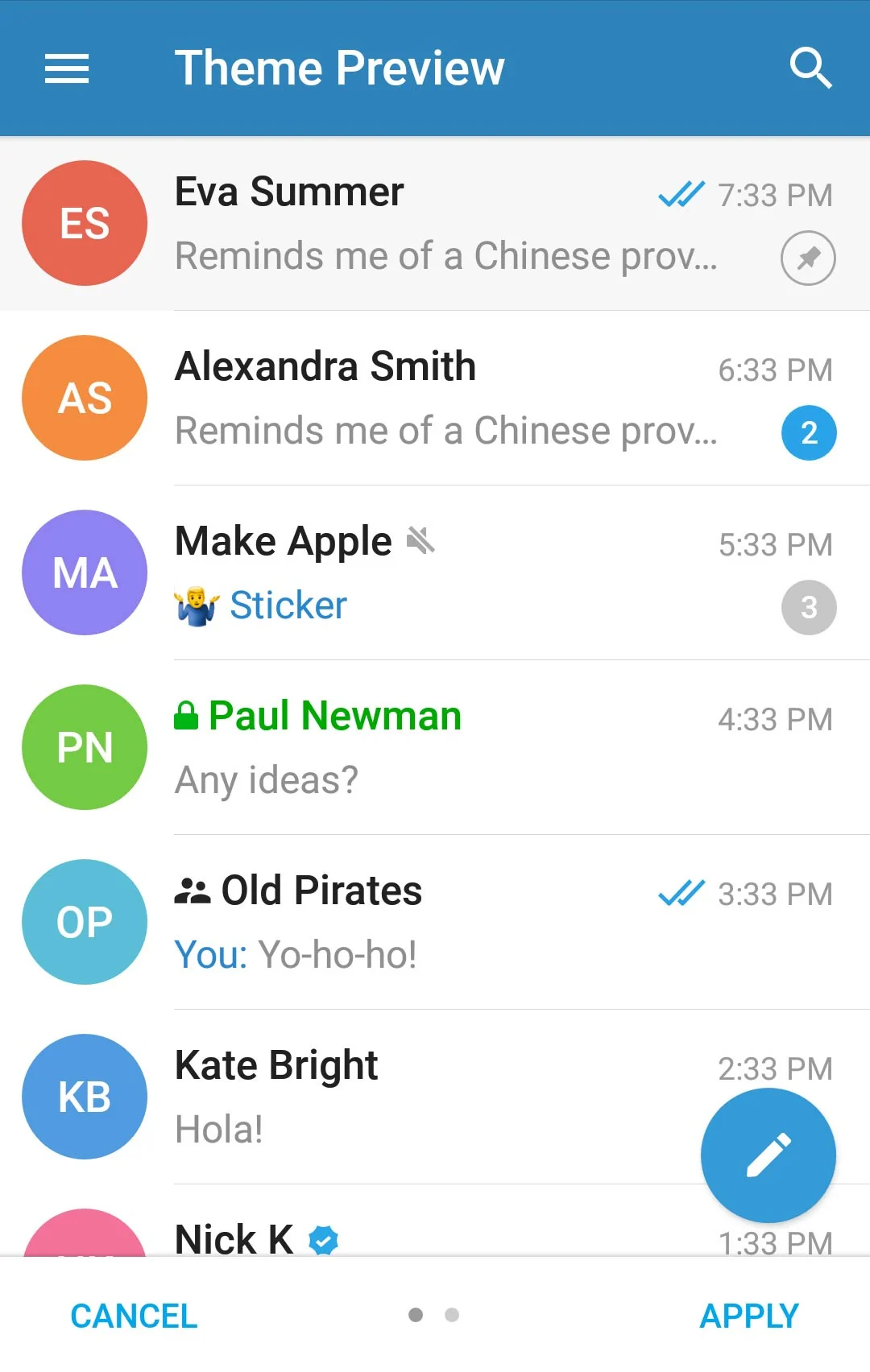
Theme preview: Chats list
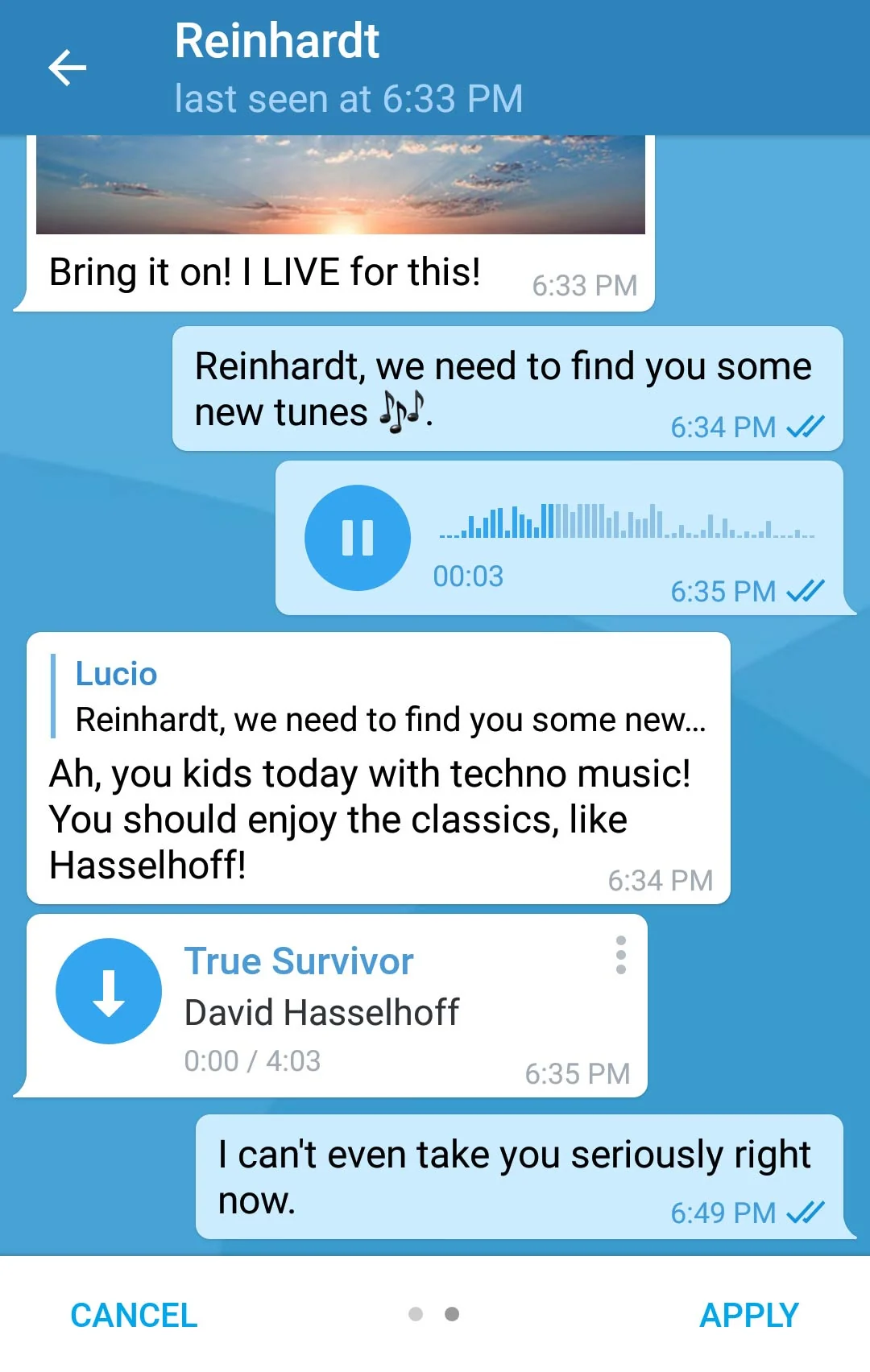
Chat screen
Check out the @AndroidThemes and Desktop Themes channels for more new themes made by Telegram users.
If you're using our iOS app, hold on for a couple of weeks. You‘ll get themes eventually, but for now we’re building something different for you – and it’s truly epic.
February 20, 2017
The Telegram Team
Sources
Updated


