How to Choose a Telegram Name and Username

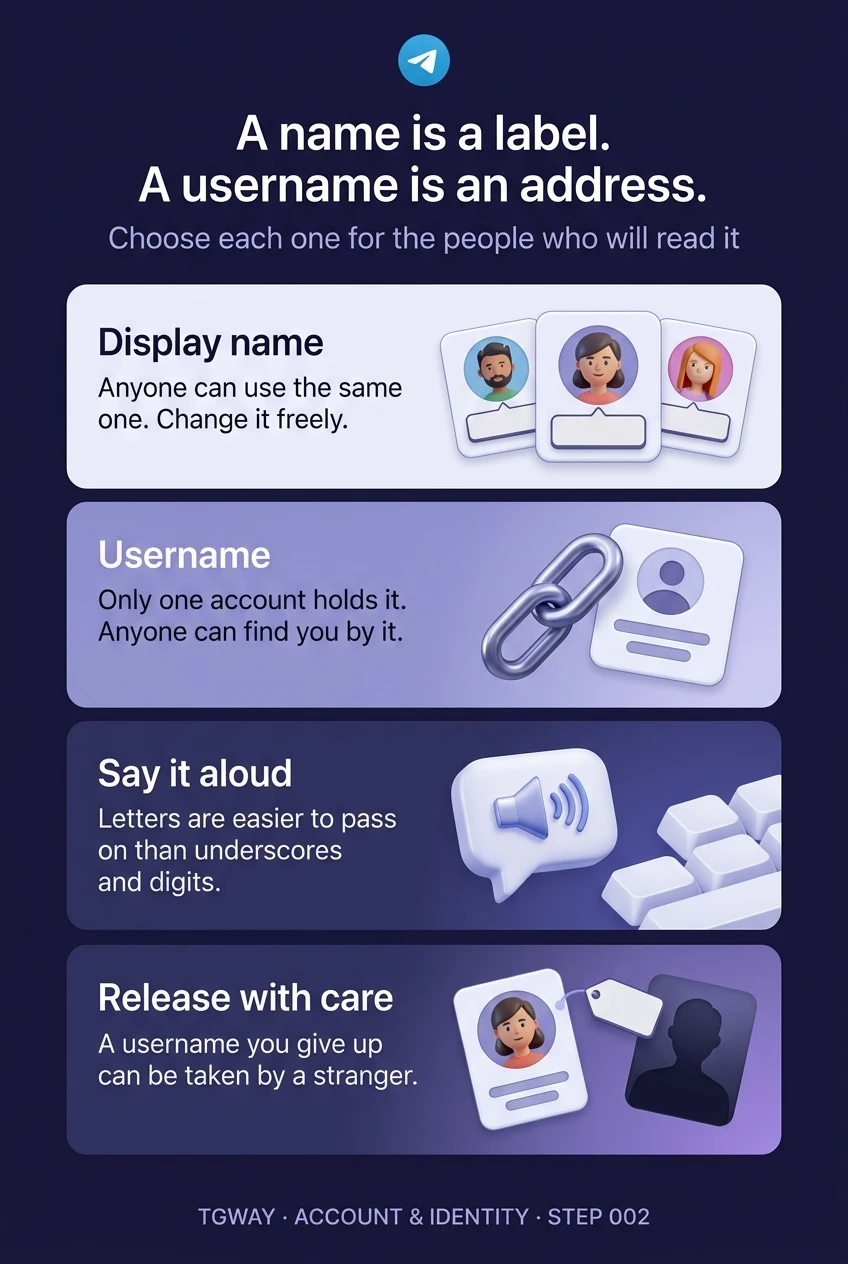
Telegram asks for two names and treats them in opposite ways. Your display name is a label: change it whenever you like, share it with a thousand other people, nobody minds. Your username is an address: only one account can hold it at a time, anyone can find you with it, and other people will store it in places you cannot reach.
So the question is not "what should I be called?" but two separate ones. What should people see when you write to them, and do you want an address that strangers can use? The right answers depend on what you use Telegram for, which is what this step is organised around.
What you will be able to do after this step
- check_circle Pick a display name that suits the people who will read it.
- check_circle Decide whether you need a username at all, and choose one that survives being said aloud.
- check_circle Avoid the two mistakes that are hard to undo later.
compare_arrows A label and an address
The display name is a first name, which is required, and a last name, which is optional. It can be almost anything, it is not unique, and it is not checked. It appears at the top of your messages and in other people's chat lists — except for contacts who saved you in their phone, who see whatever they typed for you instead.
The username is optional. If you set one, you get a public address, t.me/ followed by the name, and anyone can find you by searching for it and message you without knowing your number. Telegram's rules are short: you can use a–z, 0–9 and underscores, and the minimum length is five characters. Only one account can hold a given username at a time.
That difference decides everything else. A name can be experimental because nothing points at it. A username should be settled, because the moment you share it, it starts appearing on business cards, in other people's saved messages and in channel descriptions you will never be able to edit.
What you use Telegram for decides both names
Pick the one that describes this account. If two fit, that may be a sign you want two accounts, which Step 004 covers.
People who already have your number
Use the name they know you by, a first name and perhaps an initial. Most of them saved you in their phone anyway, so they will see their own label for you rather than yours; what you choose mainly shows up in groups, to people who do not have you as a contact.
You probably do not need a username. Everyone who should reach you already can, and without one you are much harder for strangers to find. If you want to join public groups without sharing your number, you can still hide it with the Phone number privacy setting.
A familiar name, no username, and your number set to My Contacts. That is the quietest setup Telegram offers.
People who need to recognise you professionally
Use your real first and last name, spelt the way it appears in your email signature, so a client searching their chat list finds you under the name they expect. Leave job titles out of the name field: they change, and the bio is where they belong.
A username helps here, because it lets you give people an address instead of your personal number. Make it your name in its plainest readable form. The test is whether a colleague can type it correctly after hearing it once on a call.
Real name, a username you can say aloud, and the number hidden. The username becomes the thing you print, not the number.
Strangers who should find you
Here the username matters more than the name. It is how people land on you from another platform, a video description or a poster, so it should match the handle you use elsewhere as closely as the rules allow. Matching handles across platforms is also your best defence against impersonators: people can check one against the other.
The display name can be your brand or your public name. Keep it identical to the name on your other profiles for the same reason.
The same handle and the same name everywhere. Consistency is what lets your audience tell you from a copy.
Members who need to know who to ask
Admins are the accounts impersonators copy most, so your name should be one members can match against the group's admin list at a glance. A plain name works better than a decorated one; decorations are the first thing a copy reproduces.
A username is useful because members can mention you and verify you by it. Avoid putting the group's name inside your personal username: if you ever leave the role, the name keeps implying you speak for the group.
A plain, recognisable name and a personal username that does not borrow the group's name. Your role belongs in the admin list, not in your handle.
record_voice_over A username that survives being said aloud
Most usernames are first shared by voice or typed from a screenshot, and that is where they break. Three habits prevent almost every mistake.
- Prefer letters to underscores and digits "Anna, underscore, studio, two" is four chances to mishear. If your plain name is taken, a short real word added to it is easier to pass on than a number.
- Say it to someone and watch them type it If they ask how to spell it, so will everyone else. Five minutes spent choosing now saves you repeating it for years.
- Check it does not read as something else Run the letters together the way a search box shows them and read it once more. Words that merge into an unintended word are common and permanent.
Three quick questions
Tap an answer to see why.
Someone in a group has your exact name and photo. What tells members which account is really you?
Names and photos are free to copy. Only one account can hold a username, so a copy has to use a lookalike, and reading it letter by letter is how you catch it.
You change your username. What happens to links people saved to the old one?
There is no redirect. The old username is released, and whoever takes it next receives every visitor who follows an old link. Step 022 covers changing a username safely.
Your display name is your full name, but a friend saved you in their phone as "Anna Gym". What does that friend see?
A saved contact name overrides the name you set, on that person's device. It is one reason renaming yourself goes unnoticed by many of the people you know.
task_alt
warning The two mistakes that are hard to undo
Putting your phone number in your username or bio. It defeats the privacy setting that hides your number, and a username or bio is public to everyone who opens your profile. If people need your number, give it to them directly.
Releasing a username people already know. The moment it is free, anybody can take it, and old links will lead to them. If you must change it, Step 022 explains how to do it without handing your audience to a stranger. Your name, by contrast, you can change as often as you like; nothing points at it.
touch_app Try it now — five minutes
On Windows, Linux and Android, open the menu (☰) and choose Settings. On iPhone, tap Settings in the bottom bar. In the native macOS app, use Telegram > Settings or ⌘,.
- Read your name as a stranger would Your name is at the top of Settings. Ask whether it matches the purpose you picked above, and change it in the same profile editor as the next step if not.
- Open the username field On Telegram Desktop choose Edit profile; on iPhone tap Edit at the top of Settings; on Android the row is on the Settings screen itself. Then open Username. Telegram tells you as you type whether a name is available, too short or uses characters it does not allow.
- Share it once and check it arrives Send your t.me/ link to a friend and ask them to open it. It is the fastest way to confirm the address works and reads the way you meant.
How a public handle behaves for groups and channels, what happens when one is released, and when a private invite link is the better choice.
help Questions
Can I remove my username later?
Yes. Clear the field and you no longer have a public address. Remember that the old name is then free for anybody to take, so removing a username you shared widely has the same risk as changing it.
Is my username the same as my name on other people's phones?
No. Your username is always shown exactly as you set it. Your display name can be overridden by whatever a contact saved you as. That is why the username is the reliable way to identify an account.
My preferred username is taken. What now?
Add a short real word rather than digits or extra underscores, keeping it easy to say. Some usernames are sold as collectibles on Fragment, but for a personal account a clear alternative almost always serves you better than a purchase. Step 024 covers when owning one matters.
Should my username match my real name?
For work, a creator profile or a community role, yes: it makes you easy to find and harder to impersonate. For a private account used with friends, it is usually better to have no username at all than one that ties the account to your full name in search results.
A name is a label. A username is an address.
The difference between the two names, and the two habits that keep a username working: pick one you can say aloud, and release it with care. Tap to open it at full resolution.