

In this article
The official Telegram blog post, copied in full. Menu names may differ in today's app — check the Glossary.Read the original (opens in a new tab)
Farewell to typos! Starting today, you can edit the text of your messages after sending them. This works across all Telegram chats, including groups and one-on-one conversations.
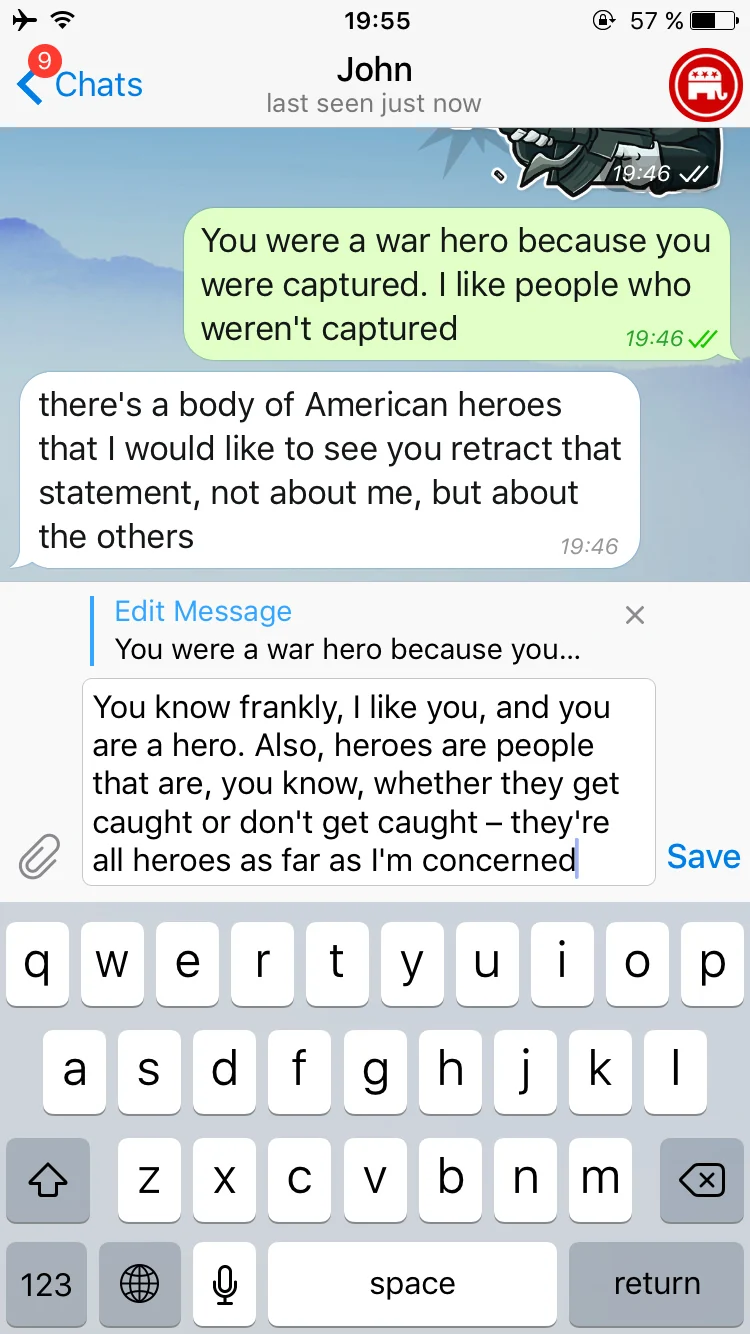
Edit messages
Simply tap and hold on a message, then press ‘Edit’. If you're on desktop, press the up arrow button to edit your last message. The messages will display a small ‘edited’ label so that it's easy to tell which were altered.
New Mentions
Mentioning other people in groups is handy since it sends them a notification about your message even if they muted the group. Starting today, you can mention any members in a group – even if they don't have a username. Just type the @ symbol and select whoever you would like to address. Easy!
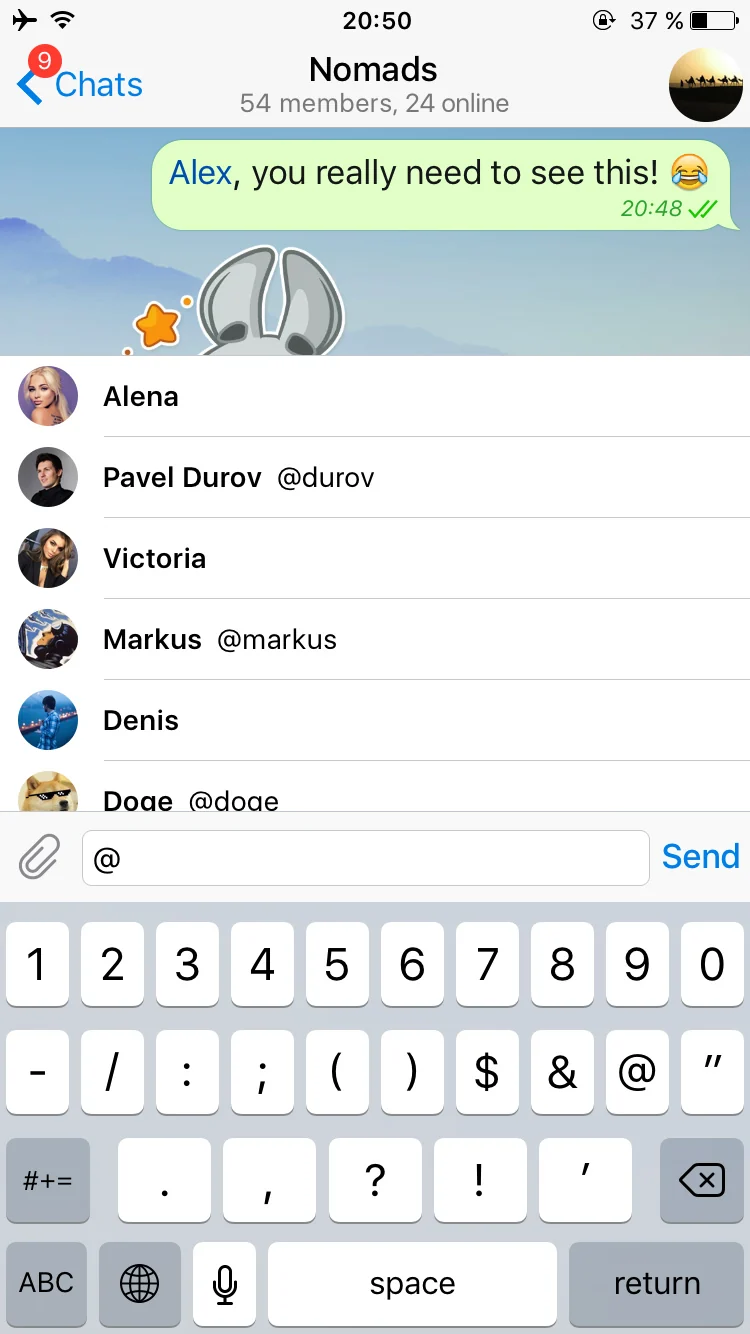
Mention group members
People List
Speaking of addressing people, you can now get to your recent chats much faster using the new People list in Search.
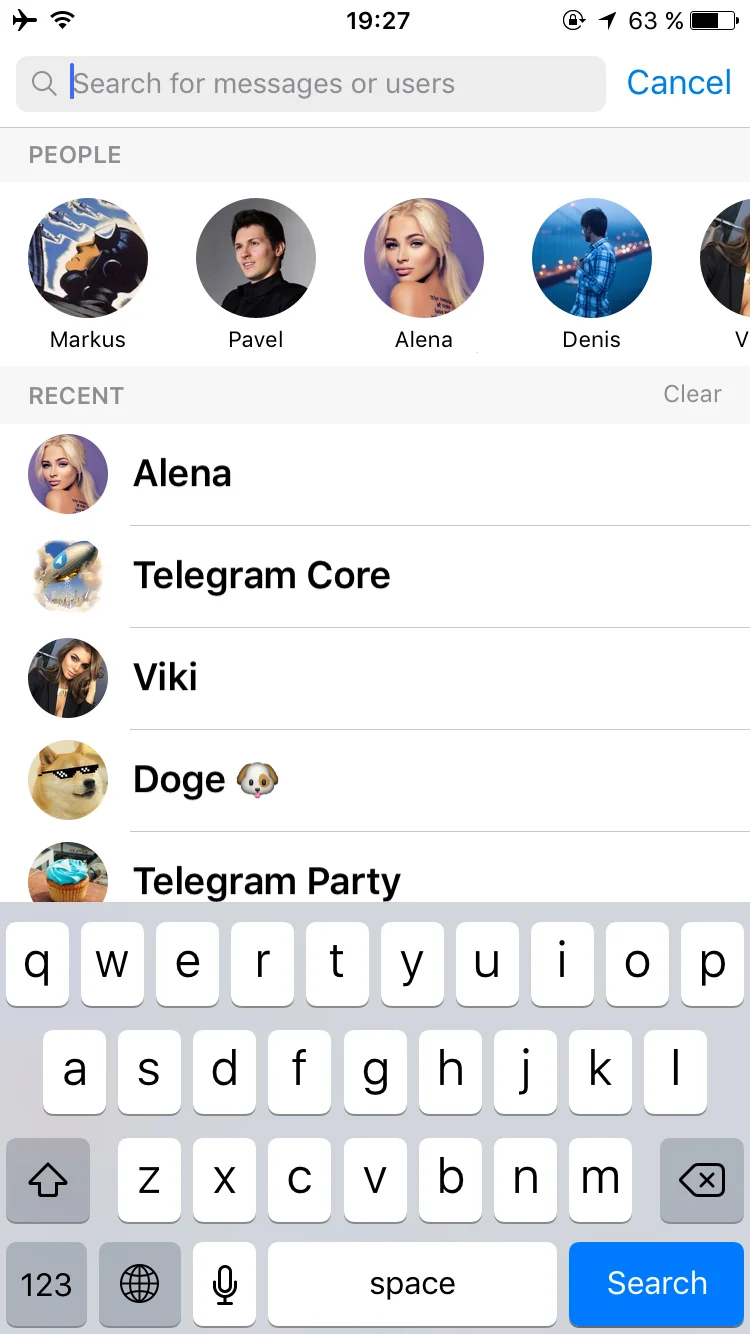
Recent chats
Bot Attachments
We've also made it easier for you to access your favorite inline bots. Simply scroll down the attachment menu – and there they are. The more you use them, the higher they will climb.
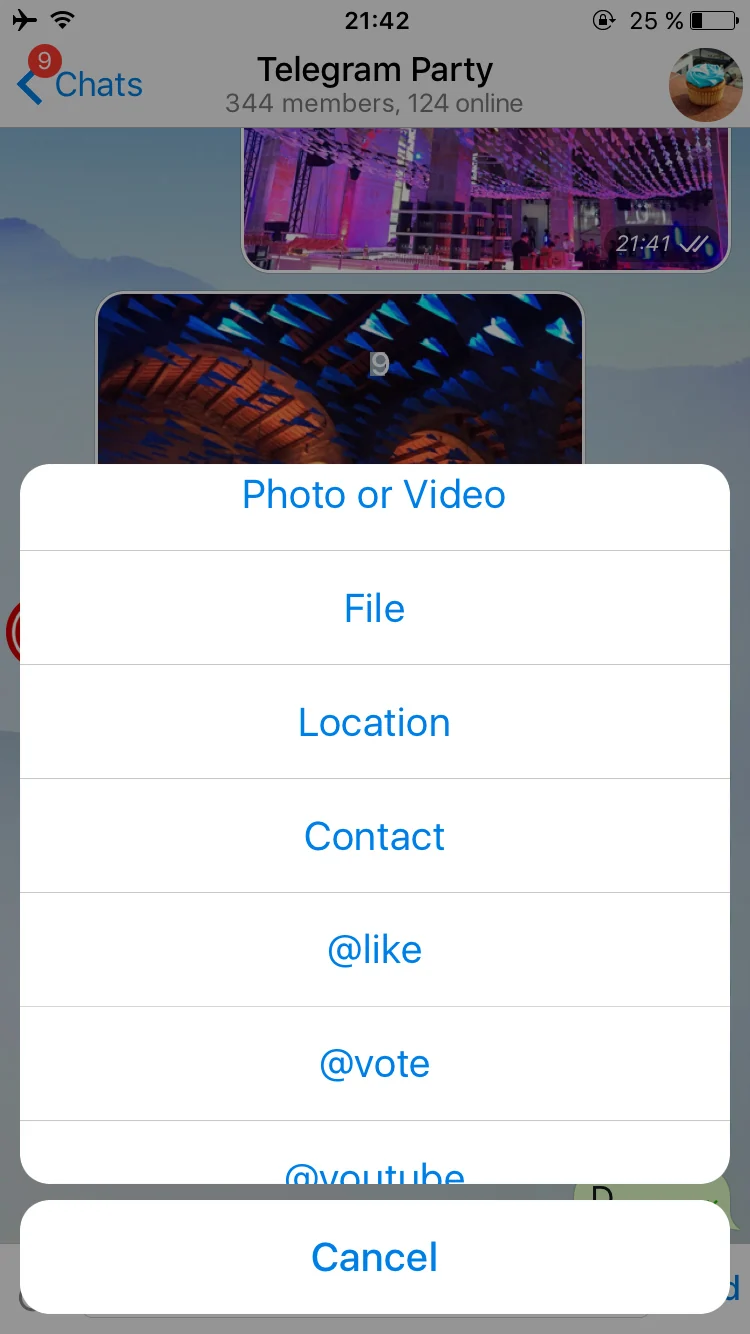
Bots in attachment menu
Naturally, you will only see inline bots in the attachment menu if you used them at least once. Try @youtube, @gif or @imdb if you don't know where to start. Check out this post for more info on how to use inline bots.
Interface Improvements
We‘ve added quick sharing buttons to forwarded messages from bots, channels, and public groups. Notifications about messages with stickers will now show the relevant emoji so that you’ll know the general idea at first glance.

Scroll to bottom
Last but not least, if you're on iOS, your app now remembers the scroll position in chats when switching to a different chat and back. And scrolling up in a chat summons a new button that will send you back to the bottom in one tap. This button also displays a handy unread message counter if new ones are waiting for you there.
And that's it for today. Stay tuned for more updates coming soon!
May 15, 2016
The Telegram Team
Sources
Updated


