Telegram Security Settings You Will Actually Keep

After a scare, a news story or a long security guide, many people do the same thing: they open Privacy and Security and switch on everything. For a week the account feels like a fortress. Then the passcode gets in the way once too often, a friend cannot call, a Secret Chat is missing on the laptop, and one by one the switches go back off.
A setting you cannot live with is worse than no setting at all, because while it is on you stop thinking about the risk, and once it is off you are back where you started without noticing. This step is about choosing the protection you will still have in a year. Every setting has a daily cost. The skill is matching that cost to a risk you actually face, as Step 007 described, and keeping the few that earn their place.
What you will be able to do after this step
- check_circle Name the everyday cost of each common security setting.
- check_circle Choose a lighter version of a setting that you would otherwise switch off.
- check_circle Spot the settings that feel protective but mostly get in your way.
balance Every setting has a price
The baseline from Step 008 is cheap: you type the Two-Step Verification password only on new devices, the recovery email sits unused, and the devices check takes a few minutes a season. That is why it lasts. Other settings charge you every day, and it is worth knowing the price before you pay it.
| Setting | What it costs day to day | A version you will keep |
|---|---|---|
| Passcode that locks at once | Typing a code every time you glance at a message | A passcode with a longer auto-lock, or none on a phone that is already locked well |
| Every chat as a Secret Chat | Chats only on one device, no history on the laptop, no groups | Secret Chats for the few conversations that need them |
| Last seen hidden from everyone | You cannot see other people's last seen either | Hidden from everyone except your contacts, or with a few exceptions |
| Calls from nobody | Friends and family cannot call you on Telegram | Calls from your contacts only |
| Short auto-delete on every chat | Losing addresses, plans and photos you needed later | Auto-delete on the chats where history is a risk |
| Changing the password every month | Forgetting it the next time you sign in on a new device | One strong password, changed only if you think it leaked |
Notice what the right-hand column has in common. It is not weaker; it is aimed. Most of the protection comes from applying a setting where the risk is, instead of everywhere.
Everything at once, or three things kept
Two ways of reacting to the same worrying news story.
toggle_on Everything switched on
Week one: passcode, all Secret Chats, nobody can call, one-day auto-delete.
Week three: the passcode is off because it was annoying.
Month two: back to ordinary chats; the Secret Chats are forgotten.
A year later: less than the baseline, and a feeling of having "done security".
task_alt Three things chosen
Week one: the Step 008 baseline, plus calls from contacts only.
Week three: nothing has needed changing.
Month two: one Secret Chat for the one conversation that needs it.
A year later: exactly the same protection as on day one.
The second person did less. They still have all of it.
psychology Settings that feel safer than they are
Some settings are popular because they feel protective, not because they close a door you face.
- Hiding everything from everyone makes you harder to find, which is useful if someone is looking for you, and mainly inconvenient if nobody is. It does nothing against someone who tricks you into sharing a login code.
- Deleting chats after every conversation removes history from your account, but not from the other person's phone, their screenshots or their memory.
- Using only Secret Chats protects messages from being stored on servers. It does not protect you from the person you are talking to, which is where most real problems come from.
None of these is wrong. Each one is right for someone. The mistake is choosing them for how they feel rather than for what they stop.
quiz Keep it, or change it?
Your app passcode locks immediately, and you have turned it off twice this week out of frustration. What is the better fix?
A passcode that locks after a sensible delay still protects you when someone picks up your phone later, and you will not switch it off. Two-Step Verification protects something else entirely, new logins, and costs almost nothing day to day.
You hid your last seen from everyone and now cannot tell whether your friends are online. Why?
Unless you subscribe to Premium, you do not see exact last seen for people you do not share yours with. If this bothers you, share it with your contacts and hide it from everyone else.
Which of these is the most worth keeping for almost everyone?
It closes the door most attacks on ordinary accounts use, and it costs you a password typed a few times a year. The other two have real daily costs and protect against narrower risks.
task_alt
touch_app Try it now — ten minutes
- Open Privacy and Security Look at every setting you have changed from its default.
- For each one, name the risk it answers If you cannot name one you actually face, consider the lighter version from the table.
- Find the one you keep switching off Replace it with a version you can live with, rather than fighting it.
- Set a reminder for a month from now Check that everything you chose today is still on. Whatever is off by then was the wrong choice.
A setting-by-setting table of what each one blocks, what it leaves open and who needs it, and the two settings that can lock you out of your own account if set carelessly.
help Questions
Is it bad to turn a setting off after trying it?
No. Trying a setting and deciding it does not fit is exactly how you find the ones that do. The problem is only when you turn it off and still believe you are protected by it.
My situation changed. Should I tighten everything now?
Tighten what matches the new risk. If someone you know has become a concern, device lock, passcode and last seen matter more. If you now run a public channel, your username and phone number privacy matter more. Redo the four questions from Step 007 and let the answers pick the settings.
Can I have strict settings for some chats only?
Yes, and that is usually the best approach. Auto-delete, Secret Chats and notification previews can all be applied chat by chat, and privacy settings allow exceptions for particular people.
What is the one thing I should never trade away for convenience?
Never sharing your login code or Two-Step Verification password with anyone, for any reason. It costs nothing to keep, and it is the rule that protects you even when every setting is off.
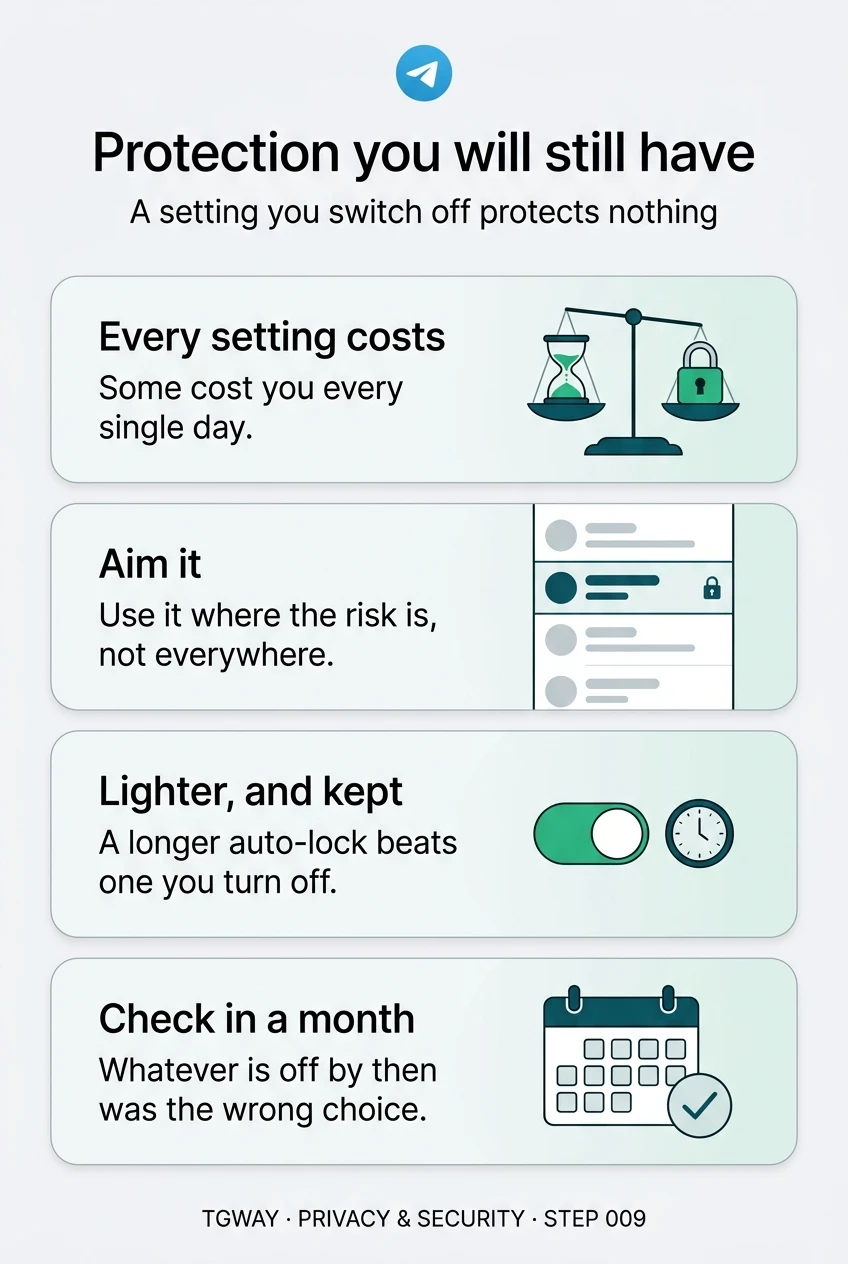
Protection you will still have
Why every security setting has a daily cost, how to aim a setting at the risk instead of everywhere, and the lighter versions you will not switch off. Tap to open it at full resolution.