Verification Marks and Premium Badges on Telegram

The small symbol next to a name is the first thing many people use to decide whether to trust an account. A check mark, a star, a little logo, a sparkling gift: they all sit in roughly the same place, and at a glance they all seem to say "official".
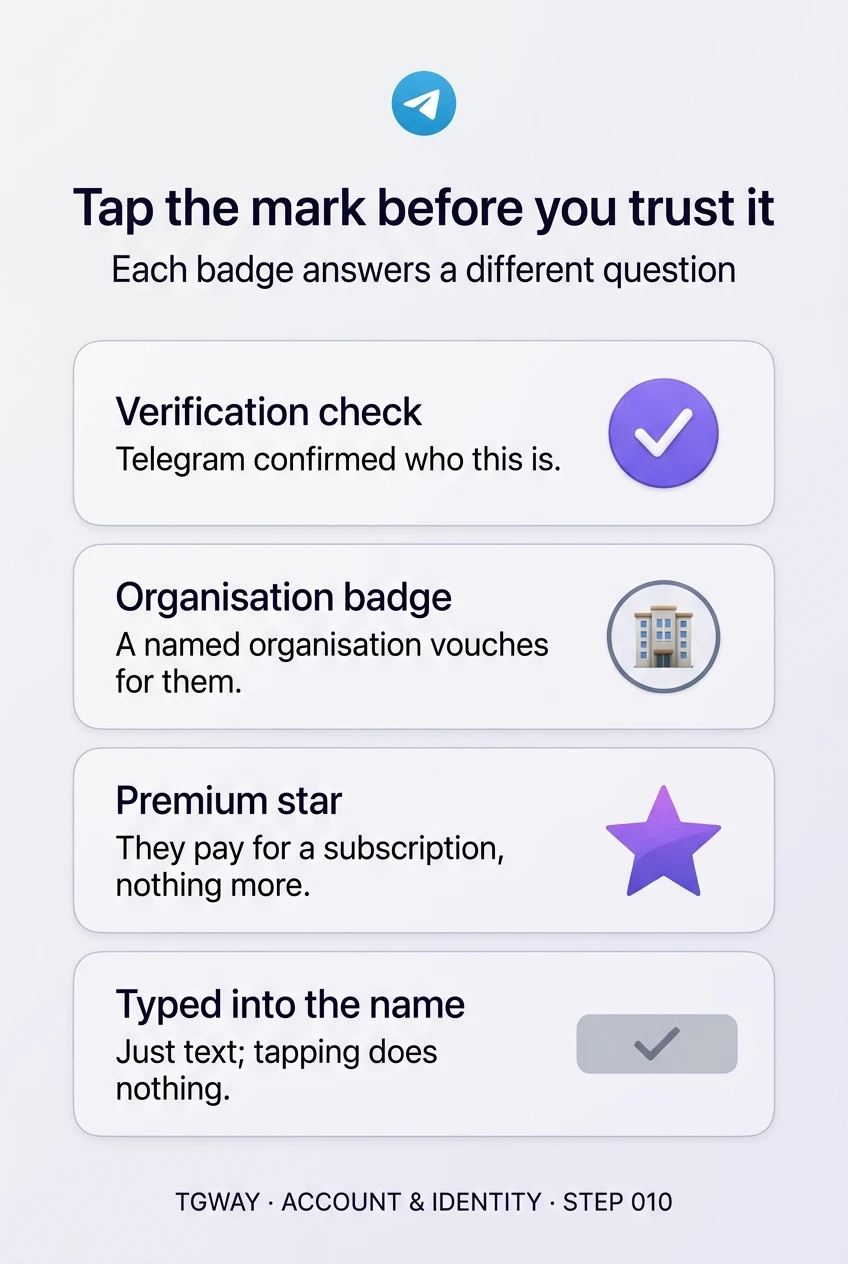
They do not. Each mark answers a different question, and some answer no question at all. One says Telegram confirmed an identity. One says an organisation vouched for an account. One says the account pays for a subscription. Some are just emoji the owner chose, and some are characters typed into the name. This step closes the first module of the Account track by sorting them out, and by the one habit that settles every case: tap the mark and read what it says.
What you will be able to do after this step
- check_circle Tell Telegram's verification from an organisation badge and a Premium star.
- check_circle Recognise marks that are decoration, or plain text in a name.
- check_circle Check any mark in a second, by tapping it.
table_chart What each mark actually says
| Mark | What it says | What it does not say | Who can get it |
|---|---|---|---|
| Telegram's verification check | Telegram confirmed this account is who it claims to be | That the account behaves well, or that everything it posts is true | Given sparingly to public figures, organisations and outlets |
| An organisation's badge | A named organisation vouches for this account | Anything beyond what that organisation vouched for | Accounts the issuing organisation chooses |
| The Premium star | The account pays for Telegram Premium | Anything about who they are | Anyone who subscribes, including scammers |
| An emoji status or worn gift | The owner chose to show it | Anything about identity | Premium subscribers and gift owners |
| A symbol typed into the name | Nothing; it is text | Everything | Anyone |
| Telegram's SCAM or FAKE label | Telegram has flagged this account | Nothing reassuring: avoid it | Applied by Telegram, not requested |
Only the first two rows are statements about identity, and only the first is Telegram's own. Everything else is either a purchase, a choice or a costume.
touch_app The one habit: tap the mark
You do not need to memorise shapes and colours. A real badge is drawn by the app in its own place next to the name, and it responds when you tap it: a card opens saying what kind of mark it is and, for an organisation badge, which organisation issued it. A Premium star opens information about Premium. An emoji status shows the emoji it came from.
A mark typed into a display name does none of this, because it is part of the name. If tapping does nothing, or selects the text, you have your answer. Impersonators put a great deal of effort into exactly this spot, because it is where people look first.
campaign Channels, groups and bots carry marks too
Everything above applies beyond personal accounts. A channel can be verified by Telegram, which is how large news outlets and public figures mark their official channel. A bot can carry an organisation's badge, so a bank's support bot can be marked by the bank itself. And group and channel names can contain typed symbols just as display names can.
Channels add one more trap: a copy of a popular channel often has a similar name, the same photo and posts copied from the original, and is found through search rather than from the owner's website. The same tap settles it. So does the route you arrived by: a channel linked from the organisation's own site is the real one, whatever the search results show.
"Support" writes to you first
Both accounts use the same logo as their photo and a check-like mark next to the name.
gpp_bad The copy
The "check" is a character inside the name; tapping it does nothing.
The account also shows a Premium star, which it paid for.
It wrote to you first and asks for a code or a payment.
verified The real one
Tapping the mark opens a card naming who verified it.
You reached it from the company's own website, which links to this exact username.
It does not ask for your login code, password or recovery phrase.
Both looked official at a glance. Only one survived a tap.
quiz What does this mark tell you?
An account selling investment advice has a Premium star. What does that tell you about it?
The star is bought, not granted. Anyone can subscribe, and impersonators often do, precisely because the star looks like a status symbol.
A verified account posts a link that turns out to be a scam. How is that possible?
A check mark says who the account belongs to. It is not a promise about everything posted, and a genuine account can be compromised. Judge the request, not just the mark.
You tap a blue check next to a name and nothing happens. What is most likely?
Real marks are drawn by the app and open a card when tapped. A mark that is part of the text does not, which makes it the quickest test there is.
task_alt
touch_app Try it now — two minutes
- Open a large official channel Tap the mark next to its name and read the card.
- Find an account with a Premium star Tap it and notice that it tells you about Premium, not about the person.
- Make it a reflex Before trusting any account that asks you for something, tap its mark first.
How a bank, carrier or institution can mark its own accounts, why the card that opens is the answer rather than the badge itself, and what verification never promises.
help Questions
Can I get my account verified?
Telegram's check is given sparingly, mainly to well-known public figures, organisations and outlets. An organisation you belong to may be able to issue its own badge. Nobody can sell you Telegram's verification; offers to do so are scams.
Does Premium make my account look more trustworthy?
To people who know what the star means, no; it shows you subscribe. For making your account recognisable, a clear photo, a consistent name and a username listed on your own website or channel do far more.
What should I do if an account impersonates me or my business?
Report it from its profile, and post a short note in your own channel or bio with your one real username. Your contacts can only avoid the copy if they know which account is yours.
What is next in the Account track?
This closes the first module on setting up and running accounts. The next module turns to your phone number: changing it without losing anything, losing access to it, and what happens when an old number is given to someone else.
Tap the mark before you trust it
What Telegram's verification check, an organisation's badge, the Premium star and symbols typed into a name each say, and the tap that tells them apart. Tap to open it at full resolution.